Tag: agile project management

  • Boost Jira Automation Rules: A Practical Guide to Streamlining Workflows

    Boost Jira Automation Rules: A Practical Guide to Streamlining Workflows

    Repetitive Jira updates are a massive time-sink. Your team's most valuable asset is their focus, and manual ticket-nudging drains it dry. The solution is Jira automation rules. Think of them as simple if-this-then-that recipes that handle the grunt work for you. They’re designed to eliminate manual chores, prevent errors, and give your team their creative energy back. This guide provides actionable steps to get you started immediately.

    Stop Wasting Time on Repetitive Jira Tasks
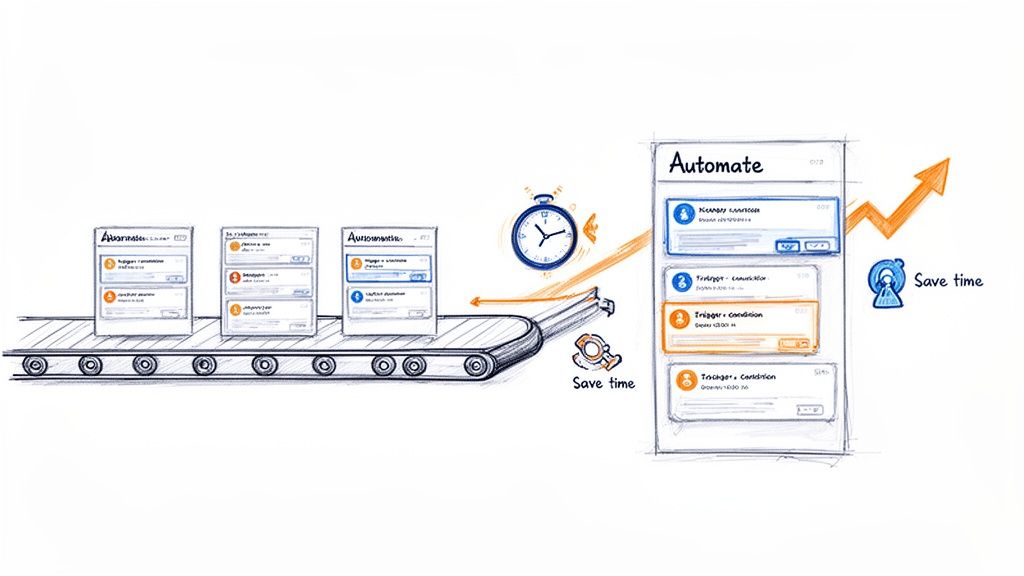
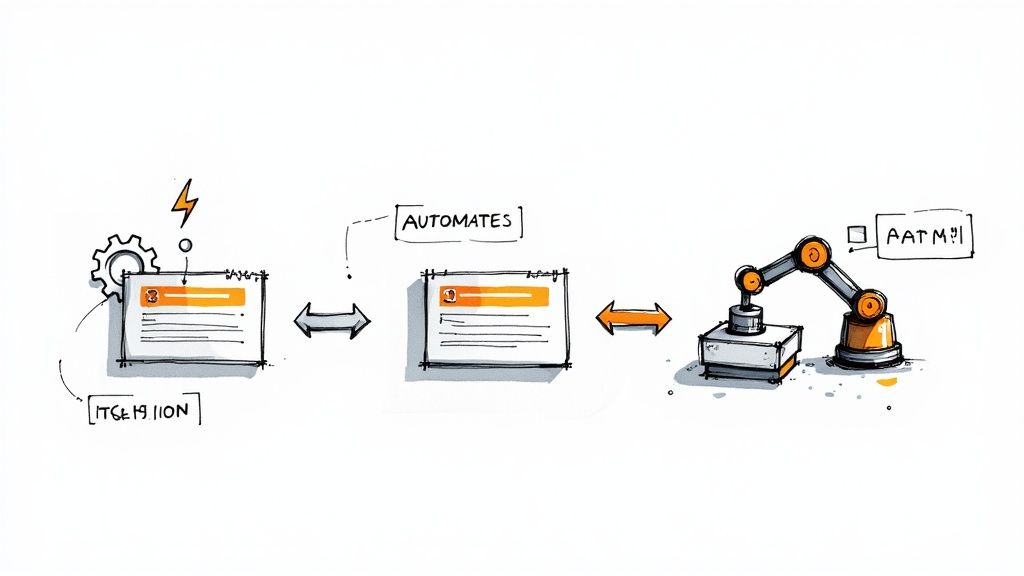
    A visual metaphor of automation streamlining tasks on a conveyor belt, saving time and improving efficiency.

    This image nails the core idea: automation turns a chaotic, hands-on process into a smoothly flowing system. It's the difference between focusing on innovation and drowning in administration.

    Manual ticket management isn't just boring; it’s a major source of project friction. Every minute spent changing a status, reassigning an issue, or pinging someone for an update is a minute not spent on coding, testing, or planning. This "work about work" causes delays, invites human error, and leads to inconsistent workflows.

    The core problem is that manual updates don't scale. As your team grows and projects get more complex, the administrative overhead explodes, creating a bottleneck that slows everything down.

    This is exactly where Jira automation rules come into play. They act as a tireless assistant, executing tasks based on triggers you define. Once set up, your processes are followed perfectly every time, without anyone having to think about it.

    Why Automation Is No Longer Optional

    Jira automation became a game-changer after Atlassian acquired Code Barrel's "Automation for Jira" app in 2019. By 2022, this powerful no-code tool was built directly into Jira Cloud and modern Data Center versions.

    This native integration means you can start building impactful rules right now. Here’s what you stand to gain:

    • Enforce Process Consistency: Ensure every ticket moves through your workflow the same way, from "Ready for Dev" to "Done." This brings a new level of predictability.
    • Eliminate Handoff Errors: Automatically assign tickets to the next team, attach the right documents, and send a notification. Nothing gets lost in the shuffle.
    • Reclaim Valuable Time: Some teams save over 150 hours per month by automating administrative tasks. That’s time freed up for work that actually matters.
    • Improve Cross-Team Collaboration: Keep everyone in the loop with automated updates and notifications, cutting down on status meetings. To understand the broader concepts, read our guide on what workflow automation is all about.

    For any software team, a high-impact action is linking Jira to GitHub. This unlocks powerful automation, allowing you to trigger rules based on commits, pull requests, and merges, directly connecting your code to your project board.

    Building Your First High-Impact Automation Rules

    Theory is great, but the real "aha!" moment comes when you solve actual problems. It's time to put that knowledge into practice. We're going to walk through building three incredibly practical rules that any software team can use right away to reduce manual work and make their processes more reliable.

    These aren't just simple examples. They're proven automations that fix common headaches in development, project management, and client onboarding. Let's dig in.

    Rule 1: The Seamless Dev-to-QA Handoff

    One of the most frustrating bottlenecks is the handoff from development to QA. A developer finishes their work, but the ticket sits there, waiting for someone to reassign it and move it to the "In QA" column. This gap creates delays and risks that tickets get lost.

    This automation closes that gap. When an issue is moved to "Ready for QA," the rule instantly assigns it to your QA lead and drops a comment to notify the team.

    Here’s the step-by-step setup:

    • Trigger: Issue Transitioned. Be specific. Configure it to fire only when the status moves from any other status to "Ready for QA." This prevents the rule from running unexpectedly.
    • Action 1: Assign Issue. Set this to automatically assign the ticket to your QA lead or the main point of contact. This immediately establishes ownership.
    • Action 2: Add Comment. Notify the wider team. Use a simple, clear comment like: Ready for testing. @qa-team, please take a look. This pings the group so someone can pick it up even if the main assignee is busy.

    This simple rule enforces your workflow, creates a perfect audit trail, and ensures you never lose momentum between coding and testing. It's a cornerstone of a healthy CI/CD pipeline.

    Rule 2: The Polite Stale Issue Nudge

    We've all seen tickets that haven't been updated in a week, collecting digital dust. Is it blocked? Forgotten? Chasing down these updates is a massive time-sink for project managers.

    This rule acts as an automated assistant. It scans for inactive issues and sends a gentle reminder to the assignee in Slack, asking for an update without any manual intervention.

    Here's how to build this "nudge" rule:

    • Trigger: Scheduled. Run this daily or every other day. You'll need a JQL query to define what "stale" means. A great starting point is status not in (Done, "Won't Do") AND updated < -7d.
    • Action: Send Slack Notification. Connect Jira to Slack and craft a helpful message: "Hey {{issue.assignee.displayName}}! Just a friendly nudge on {{issue.key}}. It hasn't seen any updates in over a week. Is everything okay?"

    Using smart values like {{issue.assignee.displayName}} makes it personal, and including a direct link with [{{issue.key}}]({{issue.url}}) makes it easy for them to jump in and provide an update.

    Rule 3: The Client Onboarding Sub-Task Creator

    A consistent onboarding process is critical for new clients. But it usually involves the same checklist every time: "Schedule Kickoff," "Set Up Accounts," "Send Training Docs." Creating these sub-tasks manually for every new client is tedious and error-prone.

    This rule standardizes the entire process. When a new "Client Onboarding" epic is created, it automatically generates your entire predefined checklist of sub-tasks.

    Here’s the configuration:

    • Trigger: Issue Created. The rule fires the moment the new issue appears.
    • Condition: Issue Fields Condition. This is crucial. Ensure the rule only runs on the right issue type. Set the condition to Issue Type = Epic and add another condition to check the summary, like Summary ~ "Onboarding for".
    • Action: Create Sub-tasks. Add a "Create sub-task" action for every step of your process.

    For instance, your list of sub-tasks might look like this:

    • Schedule Kickoff Meeting
    • Grant System Access
    • Deliver Welcome Packet
    • Conduct Initial Training Session
    • Schedule First Check-in Call

    By turning your onboarding into a Jira automation rule, you build a repeatable, scalable system that delivers a consistent experience to every new client.

    To tackle more complex processes, our guide on Jira workflow automation dives into more advanced strategies. Mastering these foundational rules will give you a solid base to build from.

    Advanced Automation for Complex Workflows

    Once you've nailed the basics, you can use Jira automation to tackle your organization's most complex, multi-step processes. Advanced features—smart values, rule branching, and rule chaining—allow you to build sophisticated systems that handle complex handoffs without manual intervention.

    This is about transforming a convoluted manual process into a self-managing system. It frees up your team to focus on high-value work instead of playing project traffic controller.

    Let’s walk through a common and often messy DevOps workflow to see these concepts in action.

    Building a Multi-Environment Deployment Rule

    Coordinating deployments across development, staging, and production is a massive headache. The process is often a chaotic mix of manual ticket updates, Slack pings, and the risk of someone dropping the ball. A well-designed Jira automation rule can orchestrate this entire sequence.

    The goal is to create a system where a single trigger—like merging a pull request—kicks off a cascade of updates, assignments, and notifications across several related tickets representing each environment.

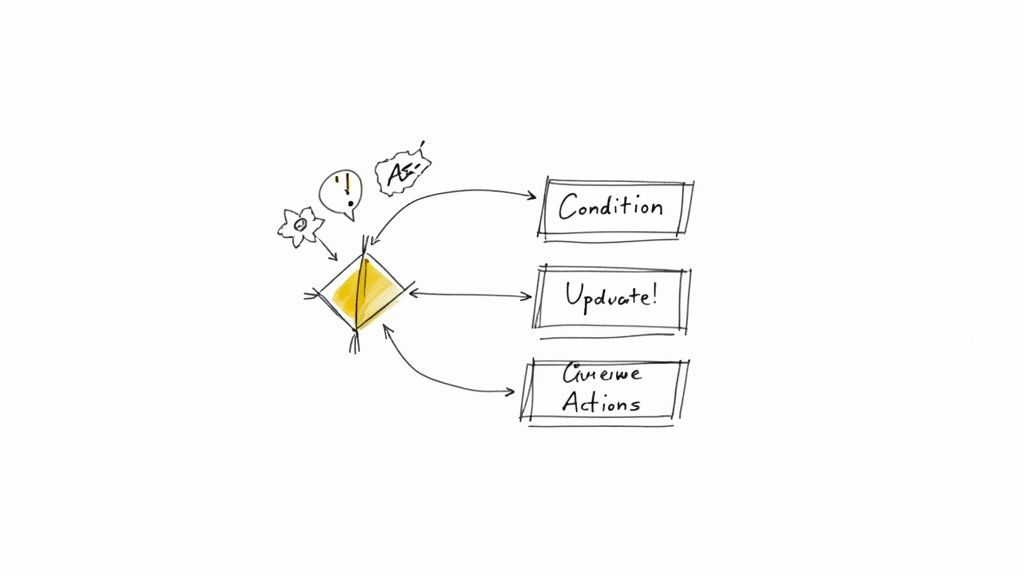
    This visualization shows the core flow for many automations, from handling handoffs to nudging people and creating new tasks.
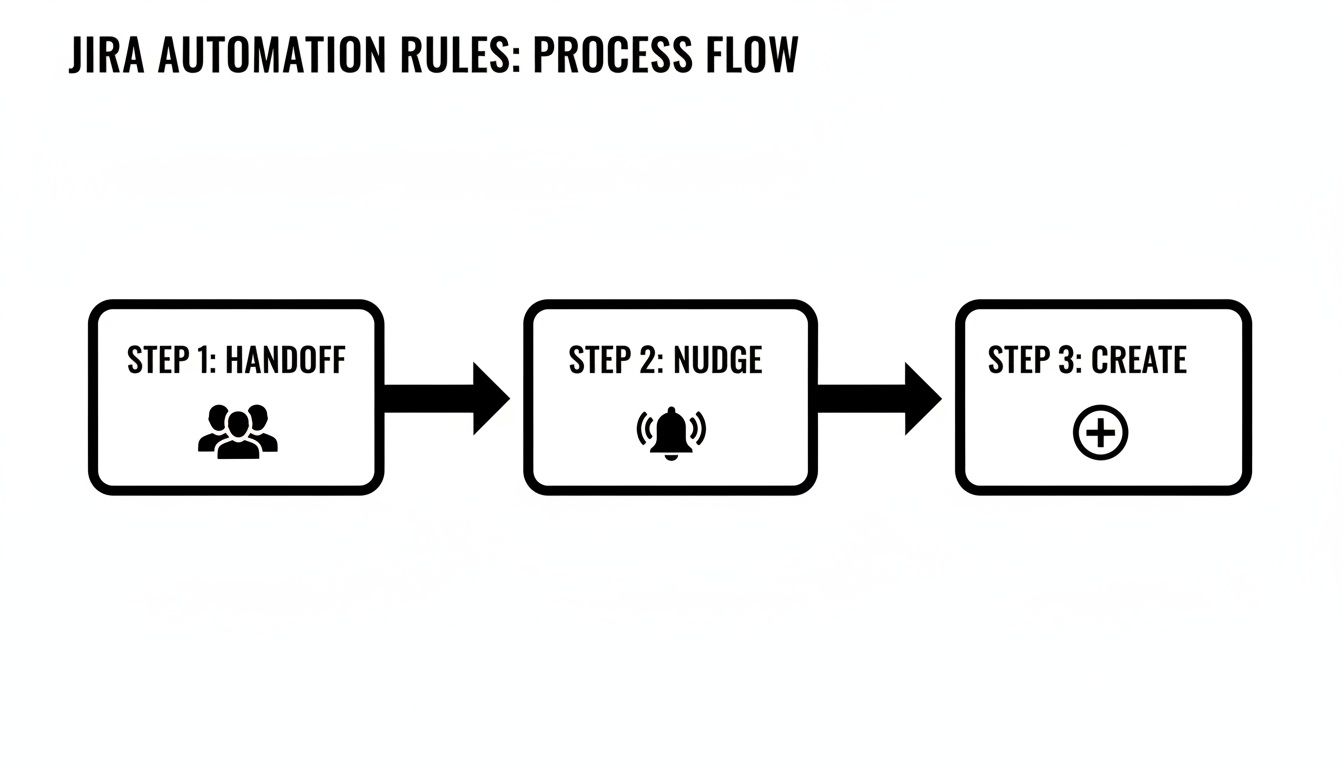
    A visual representation of a three-step Jira automation process flow: Handoff, Nudge, and Create.

    A single event can set off a chain reaction that keeps work moving forward without manual intervention.

    To build our deployment rule, we’ll use a few advanced components:

    • Smart Values: Dynamic variables that pull data from your Jira issues. We’ll use them to copy info from a parent ticket to its sub-tasks. For instance, {{triggerIssue.fields.summary}} grabs the summary from the issue that kicked off the rule.
    • Lookup Issues Action: A powerful action that lets your rule search for other issues using JQL. It's the key to connecting our main development ticket to its staging and production counterparts.
    • Rule Branching: This lets the rule perform actions on multiple related issues, like those found with "Lookup Issues." It’s like running a mini-rule for each issue in a list.

    Orchestrating the Deployment Flow

    Let's say our setup is a main feature story with sub-tasks like "Deploy to Staging" and "Deploy to Production." Our automation will kick in the moment the development work is finished.

    The trigger is a Pull Request Merged event from your connected code repository. When a developer merges their code, the magic begins.

    First, the rule uses the Lookup Issues action with a JQL query like this: parent = {{triggerIssue.key}} AND summary ~ "Deploy to". This finds all sub-tasks under the story whose summaries are about deployment.

    Next, we use a Branch rule / related issues action. Inside this branch, the rule will execute a set of actions for each sub-task it found.

    Within the branch, we can add an If/else block to check the summary of each sub-task.

    • If {{issue.summary}} contains "Staging," the rule can transition that sub-task to "In Progress" and assign it to the DevOps team.
    • If {{issue.summary}} contains "Production," it can add a comment like: Ready for production deployment pending successful staging validation.

    By using branching and conditions, a single trigger intelligently updates multiple tickets according to their specific purpose. This creates a clear, automated audit trail and ensures the right team is notified at exactly the right moment.

    Leveraging Scheduled Triggers and Smart Values

    Advanced Jira automation rules are also perfect for proactive cleanup and reporting. For these routine jobs, use scheduled triggers.

    Imagine you need a weekly report of all production bugs that have been sitting idle. A scheduled rule can run every Friday, find those issues, and send a summary to a Slack channel.

    Here’s a quick recipe for that rule:

    1. Trigger: Scheduled (e.g., weekly on Friday at 9 AM).
    2. JQL Condition: project = "PROD" AND type = Bug AND status != Done AND updated < -7d.
    3. Action: Send Slack message. Use smart values to build a formatted list: *Weekly Stale Bug Report:* {{#lookupIssues}} - {{key}} - {{summary}} {{/lookupIssues}}.

    The {{#lookupIssues}} block loops through all the issues found by the JQL, creating a neat, clickable list in Slack. This proactive reporting keeps critical issues from falling through the cracks, with zero manual effort.

    Mastering these workflows is a core part of effective process orchestration. To go deeper on connecting separate tasks into a cohesive system, you might be interested in learning more about process orchestration and its applications.

    By combining smart values, branching, and scheduled triggers, you can build robust systems that manage your team's most challenging workflows.

    Keeping Your Automation Rules From Breaking Jira

    As your team builds more Jira automation rules, you'll see a massive leap in productivity. But here's the catch: inefficient rules can slow your entire Jira instance to a crawl and chew through your monthly execution limits.
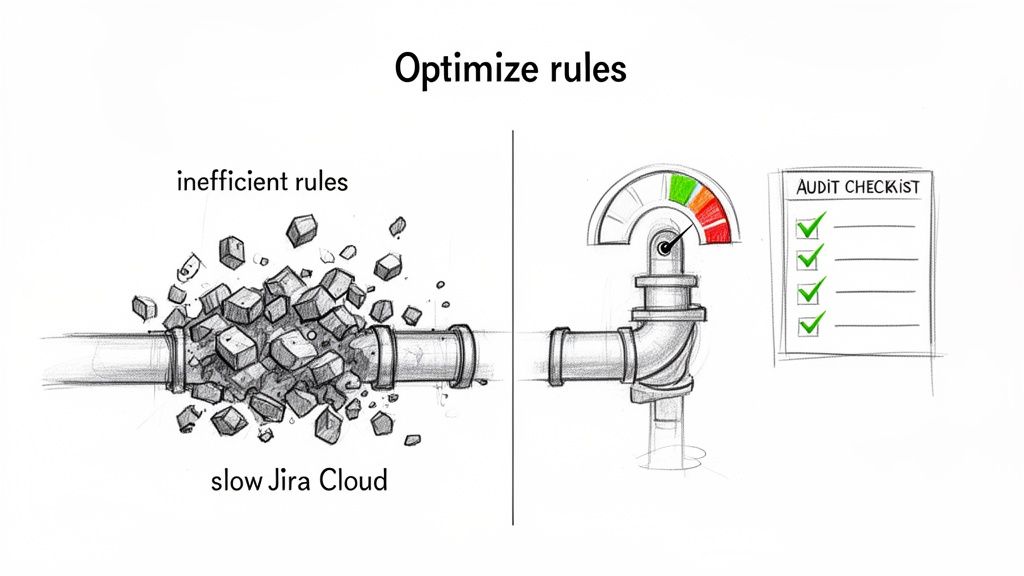
    Visual comparison: Inefficient Jira rules clog a pipe, while optimized rules ensure smooth Jira Cloud performance.

    Good governance and smart optimization are non-negotiable. The goal is to build rules that are not just effective but also incredibly efficient.

    Understanding Jira Automation Limits

    Your ability to run automations isn't unlimited. Atlassian sets monthly execution limits based on your Jira Cloud plan.

    In late 2023, a big change occurred: Atlassian moved away from a shared pool of executions. Now, each product has its own quota. Only successful actions count toward this limit now, but a few high-volume rules can still drain your allowance fast. Get the full rundown on these Atlassian automation changes and what they mean for your team.

    The key takeaway is that every execution counts. A single poorly configured rule triggering hundreds of times a day can exhaust a month's worth of executions in a week.

    Regularly auditing your rules is essential maintenance. The first place to check is your automation settings under the "Usage" tab. This dashboard shows you exactly which rules are using the most executions. Look for rules with sky-high counts; those are your prime candidates for optimization.

    A Practical Guide to Optimizing Your Rules

    Once you’ve identified your most resource-hungry rules, it’s time to optimize them. The core strategy is to make them more specific so they only fire when absolutely necessary. Think of it as using a scalpel instead of a sledgehammer.

    Here are some quick wins for rule optimization.

    Rule Optimization Quick Wins

    Inefficient Method (High Usage) Optimized Method (Low Usage) Why It Works
    Trigger: Issue Updated Trigger: Issue Transitioned Fires only on status changes, not every minor edit, comment, or field update.
    One rule with no conditions A rule with a JQL condition or If/else block Adds a gatekeeper. The rule stops if the issue doesn't match specific criteria, saving an execution.
    A rule that fires on every individual event A Scheduled trigger processing issues in bulk Instead of 100 executions for 100 events, you get one execution that handles all 100 issues at once.

    This table shows how easy it is to slash your execution count by being more precise.

    Here are the techniques in action:

    • Swap Broad Triggers for Specific Ones: The Issue Updated trigger is the number one offender. If you only care about status changes, swap it for the much leaner Issue Transitioned trigger.
    • Add More Conditions: Use an If/else block or a sharp JQL condition to double-check that the issue is exactly what you're looking for. For example, check if the Assignee field is empty before trying to assign the ticket.
    • Process Issues in Batches: Instead of a rule that reacts to every event, switch to a Scheduled trigger. A daily rule that runs a JQL query to find all "stale" tickets is far more efficient than an "Issue Updated" rule checking every modification across your instance.

    Establishing Team-Wide Best Practices

    To prevent performance problems, establish clear ground rules for creating Jira automation rules.

    Implement these guidelines for your team:

    1. Enforce a Naming Convention: A standard like [Project Key] - [Trigger] - [Action] makes it instantly clear what a rule does.
    2. Require Descriptions: Every rule needs a simple description covering its purpose and who to contact if it breaks.
    3. Perform Peer Reviews: Before a new global or multi-project rule goes live, have another person review it. This quality check is great for catching potential performance hogs.

    By proactively managing and optimizing your automations, you ensure they remain a powerful asset instead of becoming a performance liability.

    Getting Your Automation Rules to Work Flawlessly

    An automation rule is only useful if you can trust it to work every single time. This is why treating your rules like any other piece of code is essential. They need solid testing before deployment and ongoing monitoring once they're live.
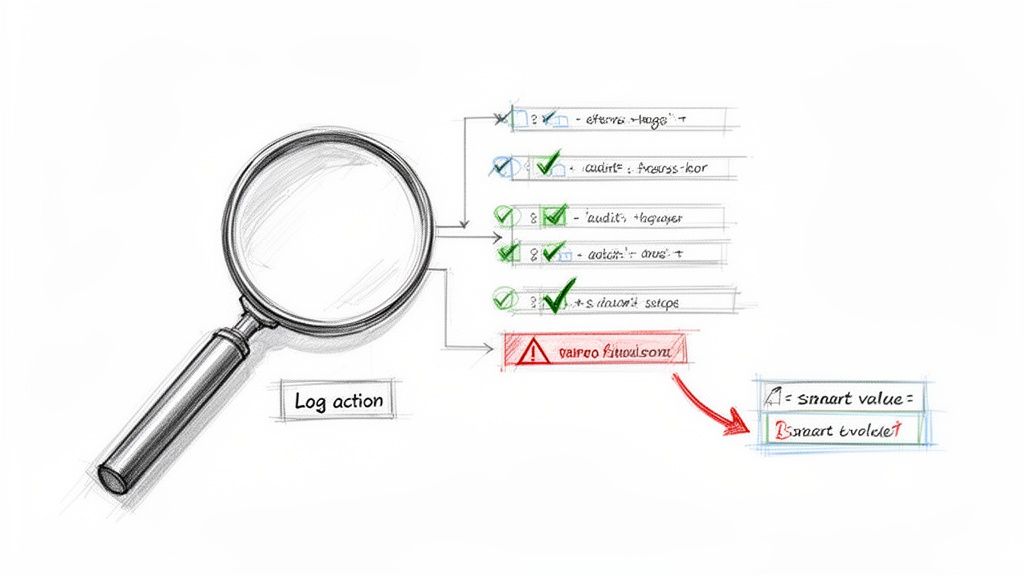
    A sketch illustrates a magnifying glass, log actions, and a flowchart of checks, warnings, and smart values.

    Thankfully, Jira gives you a powerful tool for this: the audit log. It's your command center for figuring out what’s really going on.

    The Audit Log Is Your Best Friend

    The audit log is the black box recorder for your Jira automation rules. Found in each rule's settings, it keeps a detailed history of every time that rule has tried to run. It tells you what happened, when, and why.

    When a rule misbehaves, the audit log should be your first stop. It gives you a play-by-play of the trigger, each condition, and every action, flagging the exact point of failure with an "ERRORED" status. This is a lifesaver for troubleshooting.

    Using the Log Action for Smarter Debugging

    What about when a rule runs successfully but produces the wrong outcome? This often happens when a smart value isn't behaving as expected. The best trick here is to temporarily add a Log action to the rule.

    This action prints the value of any smart value directly into the audit log. It’s the Jira equivalent of a print statement in code. It’s perfect for seeing what values are actually being used at runtime for things like {{issue.fields.summary}} or {{now.plusDays(5)}}.

    By adding a temporary Log action, you can see precisely what your smart values contain before the rule commits to its final action. It's a clean, non-disruptive way to confirm your logic is sound.

    Monitoring usage is also critical for managing your execution limits. Since the 2023 limit changes, some teams have discovered that a single inefficient rule was eating up 50-80% of their monthly quota. A runaway rule can burn through a free or standard plan's limits in days. Learn more about how to manage your Jira automation usage from Atlassian.

    Keep Your Automation Library Clean

    A healthy automation setup needs regular housekeeping. Don't let your rule list become a junkyard of old, disabled, or redundant automations.

    Set a quarterly reminder to review all your global and project-specific rules. As you review each one, ask:

    • Is this still relevant? Workflows evolve. A rule that was a lifesaver last year might be obsolete today.
    • Can this be more efficient? Could a broad trigger be narrowed down to save executions?
    • Does this have an owner? Every rule should have someone responsible for it.

    By disabling or deleting rules that are no longer serving a purpose, you'll declutter your instance and stop them from chipping away at your monthly execution limits.

    Got Questions About Jira Automation? We've Got Answers.

    As you build more sophisticated Jira automation rules, questions will pop up. That’s a good sign—it means you're pushing past the basics. Here are clear, straightforward answers to some of the most common questions.

    Think of this as your go-to reference to get you unstuck and help you build smarter, more reliable automations.

    Can Jira Automation Rules Work Across Different Projects?

    Yes, and this is one of Jira Automation's most powerful capabilities. You can create global rules that aren't tied to a single project. These are fantastic for standardizing processes across your entire organization, like a rule that automatically closes any stale ticket in any project after 30 days of inactivity.

    When creating a rule, select "Global" for its scope. A word of caution: a poorly configured global rule can cause widespread chaos, so they demand extra testing and a solid understanding of your execution limits.

    What Are the Most Common Reasons a Rule Fails to Run?

    When an automation rule doesn't fire, it's usually one of a few common culprits. Check these first:

    • Permissions Problems: The rule runs with the permissions of the user who triggered the action or a designated "rule actor." If that account can't edit a field or transition an issue, the rule will fail. This is the most common issue.
    • A Flawed JQL Condition: A typo or logical error in your JQL query will stop a rule in its tracks. Always test your JQL in Jira’s advanced issue search before plugging it into a rule.
    • Mismatched Statuses: The "Issue Transitioned" trigger is very literal. It will only fire if the issue moves directly from the exact "From" status to the "To" status you defined.

    How Many Automation Rules Can I Have?

    There's no hard limit on the number of rules you can create in Jira Cloud. You could have hundreds of rules in a single project.

    The real constraint isn't the number of rules, but the number of times they execute each month. Atlassian's limits are based on rule executions, which is why optimizing your rules to run only when necessary is so critical.

    A single, inefficient rule that runs constantly can chew through your monthly quota way faster than 50 well-designed, efficient ones. It’s all about efficiency, not volume.

    Is It Possible to Trigger a Rule from an External Tool?

    Yes, using an Incoming Webhook trigger. This gives you a unique URL that an external system can call to kick off a Jira automation.

    A great example is connecting your CI/CD pipeline. After a successful deployment, a tool like Jenkins or GitHub Actions could send a webhook to Jira. Your rule catches that signal, then automatically transitions the related tickets to "Done" and adds a comment with the release version. It's a powerful way to link your development work directly to your project tracking.


    Ready to move beyond basic rules and orchestrate complex, multi-step handoffs right inside your Jira issues? Harmonize Pro's Nesty app transforms your tickets into self-managing workflows with unlimited nested checklists, intelligent triggers, and automated quality gates. Eliminate missed steps and manual coordination for good.

    Discover how Nesty can extend your Jira automation capabilities today.

  • Solving The Top 5 Issues With Jira Slowing Your Team Down

    Solving The Top 5 Issues With Jira Slowing Your Team Down

    When Jira workflows break down, the first instinct is to blame the tool. But the real issues—chaotic processes, dropped handoffs, and a lack of visibility—almost always trace back to how the tool is used, not the tool itself.

    The good news is that these problems are solvable. This guide provides actionable strategies to fix the most common issues with Jira by embedding quality gates, automating manual work, and creating workflows that produce accurate data by default.

    Why Your Jira Workflows Keep Breaking

    Jira is a powerful platform, but its flexibility is a double-edged sword. Without a clear strategy, teams often create convoluted workflows that cause more friction than they solve. The frustration isn't with Jira's core features; it's with the broken processes built on top of it.

    A workflow that looks perfect on a whiteboard can fall apart under real-world pressure. Manual steps get skipped, critical information is lost between teams, and status updates become an afterthought. These aren't tool failures; they are process gaps that need to be closed.

    The Real Source of Jira Pain Points

    Most common Jira frustrations stem from a few root causes. Here's how to identify them in your own processes:

    • Manual Handoffs: Action Item: Review your "Time in Status" report. Do tickets linger in transitional statuses like "Ready for Review"? This indicates a handoff failure. The solution is to automate notifications and reassignments.
    • Invisible Quality Gates: Action Item: Ask your team if your "Definition of Done" (DoD) is a document or an enforced step in Jira. If it's just a page in Confluence, it’s not a gate. The solution is to build checklists into your workflow transitions.
    • Inconsistent Data Entry: Action Item: Look at five recently closed tickets. Are key fields like 'Story Points' or 'Component' filled out consistently? If not, you have a data entry problem. The solution is to make critical fields mandatory before a ticket can be closed.

    Understanding these points is the first step. For a deeper dive on system-level issues, this guide on identifying performance bottlenecks offers valuable insights.

    Actionable Insight: Shift your mindset from blaming the tool to auditing your process. The moment you start asking "Where does our process allow for human error?" is the moment you can start finding real, lasting solutions.

    Take a look at a typical Jira board. It’s designed to visualize a workflow, showing how tasks move from one stage to the next.

    Each column is a step in the process. When configured well, this board gives you at-a-glance visibility. But if the process it represents is broken, it's just a pretty picture of a traffic jam.

    Diagnosing Your Workflow Issues

    Before you can fix anything, you must identify what's broken. While many teams face similar issues, the symptoms vary. Knowing how to modify your setup is critical; our guide on changing a workflow in Jira provides a step-by-step approach.

    Use this diagnostic table to connect common symptoms to their root causes and identify your first target for improvement.

    Common Jira Problems and Their Root Causes

    This table breaks down the frequent complaints we hear about Jira and points to the underlying process failure that's usually to blame.

    Jira Issue Common Symptom Underlying Cause
    Stalled Tickets Issues sit in one status for days without moving. A failed manual handoff; no one was notified.
    Endless Rework QA constantly sends tickets back to development. Missing quality gates; DoD criteria aren't enforced.
    Inaccurate Reports Metrics and dashboards don't reflect reality. Inconsistent data entry and manual status updates.
    Team Confusion No one is sure who owns a ticket or what's next. An ambiguous workflow design with unclear transitions.

    Once you identify the symptom your team is facing, you can start digging into the process behind it instead of just treating the surface-level issue.

    Fixing Broken Handoffs Between Engineering Teams

    A developer drags a ticket to "Ready for QA," but a crucial piece of information is missing. The notification gets lost in Slack, and the ticket sits idle for days. This isn't just an annoyance; it's a silent project killer that stalls releases and creates friction.

    The good news is that these friction points are entirely fixable. Once you diagnose where the process is failing, you can implement targeted automation to turn painful handoffs into a seamless, reliable workflow.

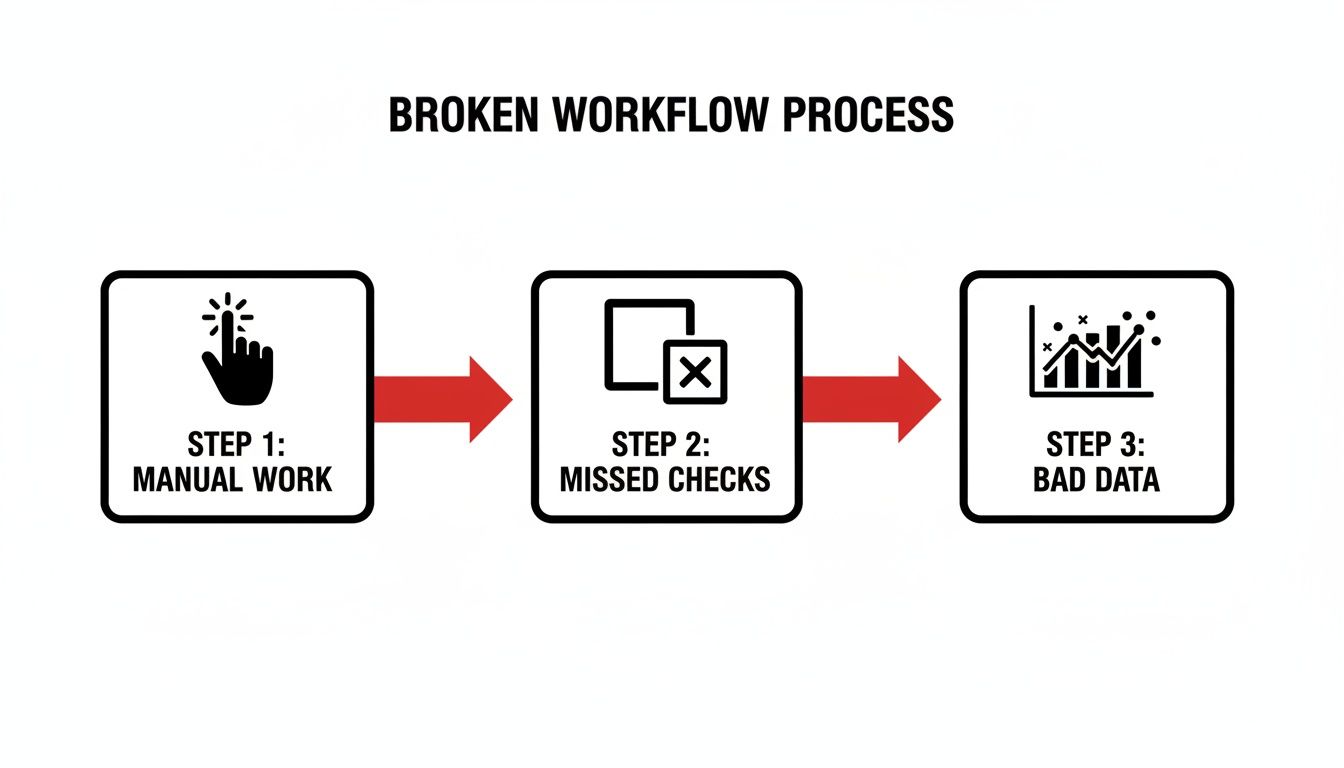
    This diagram shows the classic domino effect of a broken process—where manual steps lead directly to missed quality checks and, ultimately, bad data.

    Diagram illustrating a broken workflow process: manual work leads to missed checks, resulting in bad data.

    As you can see, every manual step introduces a risk of human error. That risk cascades through the workflow and makes accurate reporting nearly impossible.

    Finding the Breakpoints in Your Handoffs

    To fix the problem, you have to find exactly where things are going wrong. Use Jira's "Time in Status" report to pinpoint bottlenecks. If tickets consistently spend too much time in a transitional status like "Ready for Review," that’s your starting point. It means the ticket is sitting in a queue, invisible to the next person in the chain.

    Actionable Steps to Find Handoff Failures:

    • Audit Assignees: Look at the last 10 tickets that moved from "In Progress" to "Ready for QA." Was the assignee updated immediately? If not, you have an assignee ambiguity problem.
    • Check Notification Channels: Ask your QA team if they rely on email or a general Slack channel for notifications. If so, these messages are likely getting lost in the noise.
    • Review Reworked Tickets: Analyze tickets that were sent back from QA to Dev. What was the reason? Missing pull request links, test credentials, or environment details are clear signs of incomplete handoffs.

    Actionable Insight: A successful handoff isn't just a status change. It's a complete transfer of ownership and context. Your goal should be to ensure the next person has everything they need to start working immediately, without needing to ask for clarification.

    Implementing Concrete Automation Strategies

    Once you’ve identified the breakpoints, you can build a more resilient process with automation. For simple fixes, Jira's built-in automation rules are a great starting point.

    For instance, create this rule: WHEN a ticket is moved to "Ready for Test," THEN automatically assign it to the QA lead and add a comment pinging the QA team's Slack channel. This simple action eliminates the risk of a ticket becoming an orphan in the QA column.

    But many handoff problems are more complex. What if the ticket isn’t actually ready for QA? That’s where you need a more robust solution.

    Using Dynamic Checklists to Enforce Readiness

    One of the most powerful ways to fix broken handoffs is to build your "Definition of Ready" (DoR) directly into the workflow. This isn't a checklist on a Confluence page; it's an interactive, enforceable quality gate.

    Here’s how to implement it: Use a tool like Nesty from Harmonize Pro to trigger a dynamic checklist that blocks a status transition until every DoR criterion is met.

    This checklist can enforce actions like:

    • Unit test results are linked.
    • Code has been peer-reviewed.
    • Deployment notes are complete.

    The ticket literally cannot move forward until each item is checked off. This transforms your DoR from a suggestion into a mandatory, unskippable step, guaranteeing that when a ticket lands in the QA column, it’s truly ready for testing. This level of structure strengthens working relationships between teams. To learn more, check out our guide on how to improve team collaboration.

    Building Quality Gates Your Team Cannot Ignore

    Your "Definition of Done" (DoD) on a Confluence page is often the first casualty of a looming deadline. When pressure mounts, guidelines get ignored, leading to inconsistent quality and rework. This is one of the most persistent issues with Jira—it allows process standards to live outside the actual workflow, making them easy to bypass.

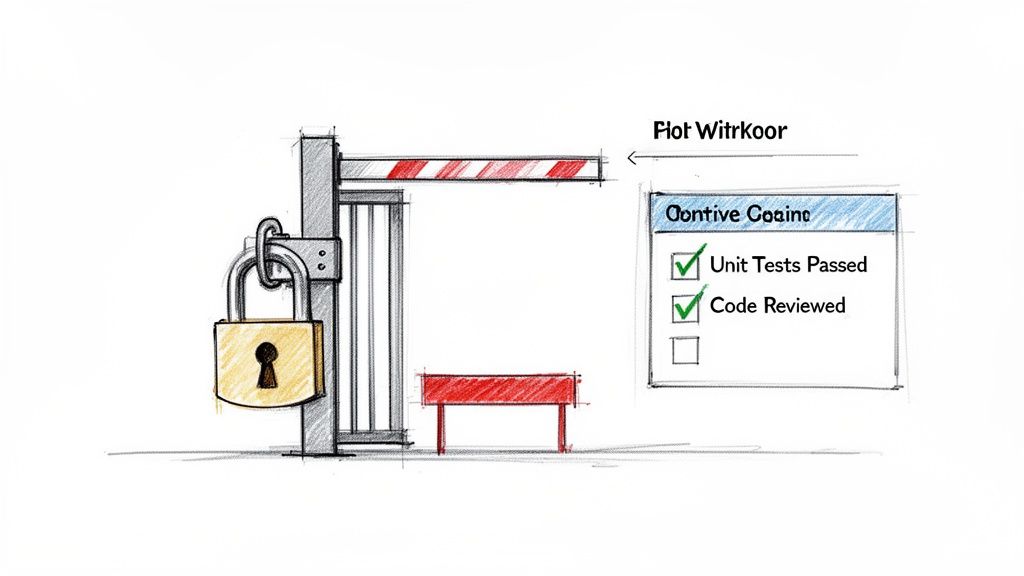
    To fix this, you must build your quality gates directly into the Jira ticket as unskippable checks that stop a ticket until your standards are met.

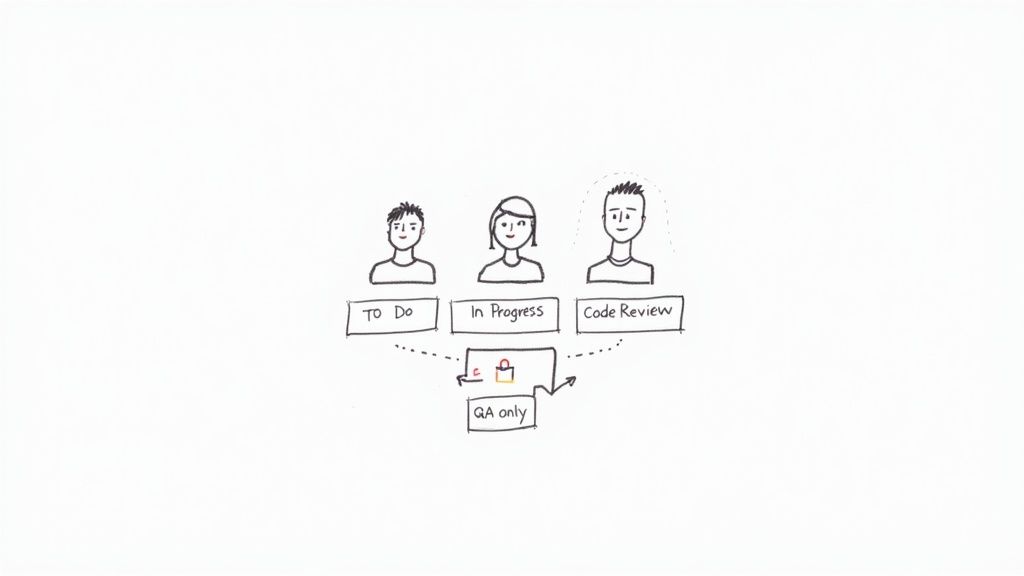
    Sketch of a development gate with a padlock, showing a checklist with 'Unit Tests Passed' and 'Code Reviewed'.

    Think of it as turning your DoD from a passive document into an active, automated gatekeeper. This guarantees standards are upheld every time, not just when it’s convenient.

    Moving Beyond Suggestion to Enforcement

    A wiki page can't physically stop a developer from moving a ticket. To create a true quality gate, the workflow itself must enforce the rules. This means embedding your criteria as mandatory, interactive elements inside the Jira issue. Instead of just hoping a developer ran all required checks, design a workflow where the "Ready for QA" transition is blocked until a checklist is completed. This is how you transform a suggestion into a non-negotiable step.

    A Practical Example of an Enforceable Quality Gate

    Here's a step-by-step implementation plan:

    1. Identify the Gate: Choose a critical transition, like "In Progress" to "Ready for QA."
    2. Define Your Checklist: List the non-negotiable criteria for this gate. For a pre-QA check, this might include:
      • Unit Tests Passed: Developer confirms all unit tests are green.
      • Code Peer Reviewed: Verifies another developer has approved the code.
      • Deployment Notes Updated: Confirms instructions for deployment are complete.
      • Test Environment Specified: Designates the correct environment for QA testing.
    3. Implement the Block: Use a tool like Nesty to configure a "blocking checklist" on that transition. The ticket is now locked in its current status until every item is checked off. Only then does the transition to "Ready for QA" become available.

    Actionable Insight: This mechanism changes the dynamic completely. Quality is no longer a manual audit; it's an automated, baked-in requirement for moving work forward. The process itself becomes the guardian of your standards.

    The Challenge of Tracking Quality Metrics Natively

    This embedded quality approach also solves another major Jira issue: tracking detailed quality metrics. Natively, Jira struggles to track metrics like test failure rates automatically. Teams using add-ons like Xray for Jira often have to wrestle with manual JQL queries to get this data.

    With Nesty from Harmonize Pro, you can use nested checklists and intelligent triggers to centralize test sequencing and enforce your DoD in one ticket, creating a transparent and auditable trail of quality. You can see how other teams are tackling this challenge in the Atlassian community to understand the common pain points. By building these checks into the ticket, you generate a rich source of data that was previously invisible.

    The Broader Impact on Team Dynamics

    Implementing enforceable quality gates does more than improve code quality—it reduces friction between your teams. When QA receives a ticket, they can be 100% confident it has met all "Definition of Ready" criteria. This ends the frustrating back-and-forth where QA sends tickets back to development for missing information, fostering shared ownership over quality and letting each team focus on what they do best.

    Getting Accurate DevOps Metrics from Jira

    One of the biggest issues with Jira is its inability to produce accurate DevOps metrics without significant manual effort. For many engineering teams, tracking a critical metric like Change Failure Rate (CFR) requires a slow, error-prone process of manually linking incident or bug reports back to the specific deployment that caused them.

    This manual approach doesn't scale. As deployments become more frequent, the odds of a failed deployment being correctly linked to its failure ticket drop dramatically. What you're left with is misleading data that paints a much rosier picture than reality.

    Why Manual Metric Tracking Fails

    Relying on manual ticket linking is like trying to balance your budget with a shoebox of crumpled receipts. It’s unreliable. The root of the problem is a disconnect between the work itself and the data about the work. When a deployment fails, the top priority is fixing the problem, not administrative follow-up in Jira. The crucial link between the deployment ticket and the subsequent bug report is often forgotten.

    This turns your metrics into a reflection of administrative discipline rather than engineering quality. Your CFR isn't tracking how often your changes fail; it’s tracking how often your team remembers to link tickets.

    Embedding the Signal for Better Data

    To get metrics you can trust, you must make data collection a natural byproduct of your workflow, not an extra step. Embed process gates and data collection points directly into your Jira tickets.

    Actionable Strategy: The Single Deployment Ticket

    1. Create a "Deployment" Issue Type: Use a single Jira ticket to manage a feature deployment across all environments.
    2. Build a Multi-Environment Checklist: Inside that ticket, use a tool like Nesty from Harmonize Pro to create a sequential checklist:
      • Deploy to Development
      • Run automated tests in Dev
      • Deploy to Staging
      • Get manual sign-off from QA
      • Deploy to Production
    3. Track Failures as Checklist Items: If a failure occurs, add a checklist item like "Rollback Production Deployment." This action becomes a direct, unambiguous signal of a change failure. It’s logged in real-time, in the context of the original deployment.

    Actionable Insight: When the process and the record-keeping are one and the same, your metrics become accurate by default. You eliminate human error by designing a workflow that cannot proceed without capturing the data you need.

    The Impact of Inaccurate Metrics

    This isn't just an academic problem. One of the biggest issues with Jira is its inability to properly measure Change Failure Rate (CFR). High-performing teams aim for a CFR between 0-15%, but Jira’s lack of out-of-the-box support forces manual linking that breaks at scale. Studies of over 2,000 teams found this process gap contributes to average cycle times of 6 days and 5 hours. You can learn more about how DevOps metrics are benchmarked on atlassian.com.

    When your data is unreliable, you invest in the wrong areas and miss opportunities for improvement. Getting accurate data isn’t about pretty charts; it's about giving your team the real feedback it needs to get better.

    Using Intelligent Automation to Eliminate Manual Work

    A huge portion of the frustration with Jira comes from tedious, manual chores: updating assignees, nudging stakeholders, and transitioning statuses. This "ticket hygiene" is a breeding ground for errors and a direct cause of broken handoffs.

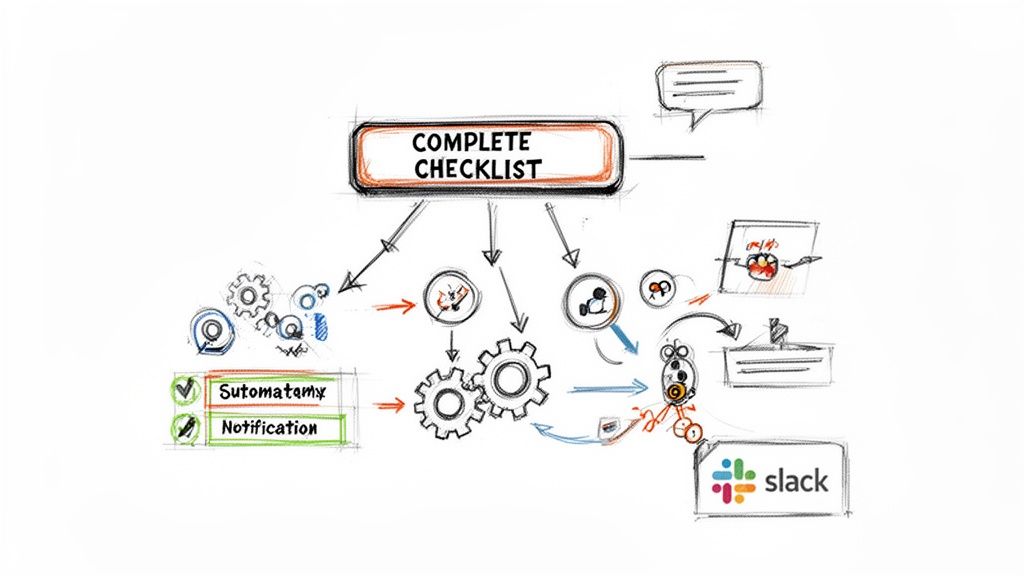
    The solution is to let automation handle the grunt work. By transforming static Jira issues into dynamic, self-managing workflows, you can free your team to focus on value-driven work.

    A sketched flowchart illustrating a 'COMPLETE CHECKLIST' process with steps for automation, notification, and Slack integration.

    To make this happen, you need a solid grasp of what workflow automation can achieve.

    Identifying High-Impact Automation Opportunities

    To start, pinpoint where manual drag is coming from. Look for small, repetitive tasks that eat up time.

    Quick Automation Wins:

    • Automate Handoffs: When a ticket moves to "Ready for QA," automatically reassign it to the QA lead and post a notification in their team's Slack channel.
    • Automate Status Updates: When a developer links a pull request, automatically transition the ticket from "To Do" to "In Progress."
    • Automate Sub-task Creation: When a "New Feature" epic is created, automatically generate standard sub-tasks like "Design," "Development," "QA," and "Documentation."

    Each of these is a potential point of failure that a simple rule can eliminate for good.

    Building Multi-Step Automation Cascades

    True automation power lies in building multi-step cascades that orchestrate an entire process from a single click. This is how you can solve complex issues with Jira by designing a workflow that manages itself.

    Consider a "Customer Onboarding" process. With a tool like Nesty from Harmonize Pro, you can automate the entire sequence.

    Example Onboarding Workflow:
    A project manager completes the "Customer Onboarding Kickoff" checklist item in a Jira ticket. This single action triggers a chain of events:

    1. Create & Assign: Instantly creates three sub-tasks: "Technical Setup" (assigned to the implementation lead), "User Training" (assigned to the support lead), and "30-Day Follow-Up" (assigned to the account manager).
    2. Notify Stakeholders: A message is automatically sent to the account manager's Slack channel, letting them know the kickoff is complete.

    Actionable Insight: By chaining actions together, you turn a simple checklist into a workflow engine. The ticket stops being a passive record and starts actively driving the work forward without manual intervention.

    Slashing Manual Overhead at Scale

    This approach directly attacks the manual overhead that plagues so many teams. The constant need for ticket hygiene and the failure to properly decompose metrics undermine the effectiveness of teams trying to track DORA metrics. Jira wasn't built for productivity measurement; its manual linking requirements crumble as teams grow.

    This overhead is a major reason why cycle times balloon to 6+ days. Nesty solves this by using dynamic workflows with triggers to reassign tickets, notify via Slack/Teams, and attach files at quality gates. It automates handoffs and creates self-managing processes. By removing the human element from repetitive admin, you save time, improve data consistency, and make your entire process more resilient. For more advanced strategies, see our complete guide to Jira workflow automation.

    Frequently Asked Questions About Fixing Jira

    Even with a solid plan, jumping into workflow automation can feel daunting. Here are answers to common questions that teams have when trying to fix what’s broken in their Jira setup.

    Can I Fix These Jira Issues Without Buying a Third-Party App?

    You can make progress on simple problems using Jira’s native automation. For example, setting a rule to auto-assign a ticket to a QA lead or transition an issue when a pull request is merged is straightforward.

    However, built-in tools have limitations. They cannot enforce multi-step, dependent checklists or create the conditional blockers needed for true quality gates. For stubborn issues—like botched handoffs and teams skipping "Definition of Done" criteria—you need a dedicated app designed to fill those gaps and provide dynamic controls that go beyond what Jira offers out of the box.

    Our Biggest Issue With Jira Is Slow Performance. Will These Solutions Help?

    Yes, process improvements can have a surprising impact on performance. A sluggish Jira is often a symptom of overly complex configurations and process bottlenecks, not just server issues. When your team has to manually click through a dozen fields or navigate confusing statuses, the tool itself feels slow.

    By cleaning up your processes, automating handoffs, and simplifying workflows, you reduce the operational drag. The system feels faster and more responsive because your team spends less time waiting for updates or getting lost in the UI.

    How Long Does It Take to Implement These Workflow Improvements?

    You can get results surprisingly fast by starting small. Implementing a simple, automated handoff between Dev and QA can be done in an afternoon. Building a more robust quality gate with a detailed DoD checklist might take a day of focused planning and configuration.

    The secret is to not try to fix everything at once.

    Your 3-Step Action Plan:

    1. Identify your single biggest pain point. For most teams, it’s the Dev-to-QA handoff.
    2. Focus all your energy on solving that one problem first with an automated quality gate.
    3. Demonstrate the win to your team. Once everyone experiences how a foolproof process works, you'll build the momentum needed to tackle larger, more complex workflows.

    Ready to turn your static Jira tickets into self-managing workflows? With Harmonize Pro, you can use Nesty to build enforceable quality gates, automate handoffs, and eliminate the manual work slowing your team down. Learn how Nesty can solve your most frustrating Jira issues today.

  • How to Improve Team Collaboration Using Proven Jira Strategies

    How to Improve Team Collaboration Using Proven Jira Strategies

    Improving team collaboration isn't a theoretical exercise; it's a direct investment in your bottom line. To get there, you need to define clear processes, automate manual handoffs, and use a single source of truth like Jira to connect every stage of your workflow. This guide provides actionable steps to move your teams from chaotic communication to predictable, high-quality output.

    The Hidden Costs of Disconnected Teams

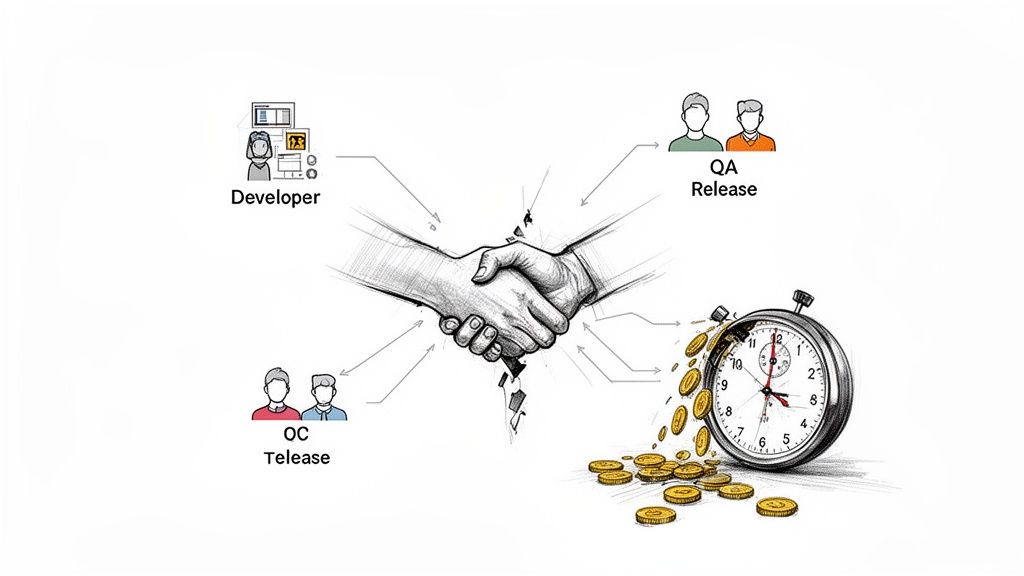
    Poor collaboration creates more than just missed deadlines—it silently drains budgets, kills productivity, and damages morale. When your development, QA, and release teams operate in silos, the financial impact is immediate. The biggest sources of friction in software development almost always come back to misaligned handoffs and fragmented communication.

    This friction inevitably leads to expensive rework, frustrating delays, and valuable team members leaving. In today's market, these disconnects are no longer just an inconvenience; they are a significant business risk.

    Illustration depicting developer, QA, and OC release teams collaborating, resulting in saved time and money.

    The Real Price of Miscommunication

    Here’s a common, costly scenario: a developer pushes code to QA without clear testing instructions or confirmation that unit tests passed. The QA team then wastes hours deciphering the feature's purpose or struggling with a broken build. This isn't just a minor delay; it's a domino effect that can push back an entire release.

    Every manual, unstructured handoff is a potential point of failure. A forgotten attachment, a vague Slack message, or a ticket dragged to the wrong status can completely derail progress. These small issues accumulate, fostering a culture of confusion and blame.

    When teams lack a standardized process, they spend more time coordinating work than actually doing it. This overhead acts as a hidden tax on every project, eating into profitability and slowing innovation.

    Connecting Collaboration to Business Outcomes

    The link between effective teamwork and financial success is clear. With 84% of U.S. employees now working on multiple teams, structured collaboration is essential. A Gallup study of over 183,000 teams found that those with high employee engagement—driven by great collaboration—achieved 23% higher profitability and 18% greater sales productivity than their peers. You can review the full study and its findings to see the full data.

    These metrics provide a solid business case for investing in better processes. A structured, automated approach in Jira delivers tangible gains by:

    • Reducing Rework: Implement clear "Definitions of Done" and automated quality gates to ensure work is completed correctly the first time.
    • Accelerating Timelines: Eliminate manual handoffs and communication bottlenecks to shorten the entire development lifecycle.
    • Improving Morale: Provide teams with clear, efficient processes to reduce frustration and increase job satisfaction.

    Ultimately, learning how to improve team collaboration is a core strategy for growth. It enables your teams to ship high-quality products faster and more predictably. This guide will show you exactly how to build that framework.

    Creating Your Single Source of Truth in Jira

    Stop digging through spreadsheets, emails, and Slack channels to find project status updates. When information is scattered, you lose time and risk critical steps falling through the cracks. The first actionable step to improve team collaboration is to establish Jira as your undisputed single source of truth.

    By centralizing all conversations, updates, and handoffs in Jira, you create a transparent, auditable record of the entire development lifecycle and eliminate ambiguity.

    Map Your Core Processes First

    Before configuring Jira, create a blueprint of how your teams actually work. Gather your developers, QA engineers, and release managers to map out every critical process, from the dev-to-QA handoff to multi-environment deployments.

    To get an accurate picture, ask specific, direct questions:

    • What exact steps must a developer complete before passing a ticket to QA?
    • How does QA signal that a feature is fully tested and ready for the next stage?
    • What is the step-by-step process for deploying to the staging environment?
    • Who needs to be notified at each stage, and how does that notification happen now?

    This exercise will uncover hidden bottlenecks and incorrect assumptions that are slowing your team down. Documenting these real-world workflows is the essential foundation for effective automation.

    Define Your Rules of Engagement

    With your processes mapped, establish clear ground rules. The two most critical guardrails are the Definition of Ready and the Definition of Done.

    The Definition of Ready (DoR) acts as a gatekeeper, listing the non-negotiable criteria a task must meet before work begins. This prevents half-baked ideas from derailing a sprint.

    A practical DoR should require that:

    • The user story is written and approved by the Product Owner.
    • Acceptance criteria are clear and testable.
    • All design mockups are attached directly to the Jira ticket.

    The Definition of Done (DoD) is the final checklist confirming a task is 100% complete. It goes beyond "code complete" to ensure you deliver a tested, documented, and shippable piece of work. For more details on this, see our guide on changing a workflow in Jira.

    A strong Definition of Done is your team's ultimate quality gate. It’s a shared agreement that eliminates the "it works on my machine" excuse and ensures the final product meets expectations.

    Here’s an example of how to build these rules directly into a Jira issue using a tool like Nesty, turning abstract concepts into actionable checklists.

    This makes your rules tangible and impossible to ignore by embedding them directly within the ticket where the work happens.

    Structure Workflows for Ultimate Clarity

    Now, build your mapped processes and rules into a Jira workflow. The goal is a visual path that mirrors your team's real-life handoffs. Replace the generic "To Do → In Progress → Done" with statuses that reflect your unique stages.

    Create a workflow with specific statuses like:

    • Ready for Dev
    • In Development
    • Code Review
    • Ready for QA
    • In QA Testing
    • Ready for Staging Deploy

    Each transition between statuses represents a meaningful handoff. By building your process directly into Jira, you ensure no one skips a critical step and everyone knows their exact responsibilities at any given time. This is the foundation for predictable delivery.

    Automating Handoffs to Erase Manual Work

    With a solid workflow in place, you can reclaim your team's most valuable resource: time. Move beyond simply tracking work and start making it move faster. Automating common handoffs eliminates the clumsy, manual steps that create friction and slow everyone down.

    Consider the dev-to-QA handoff. Instead of a developer manually reassigning the ticket, @-mentioning the right person, and posting a link in Slack, imagine that entire sequence happening automatically. This is a practical way to turn Jira from a passive logbook into an active project engine.

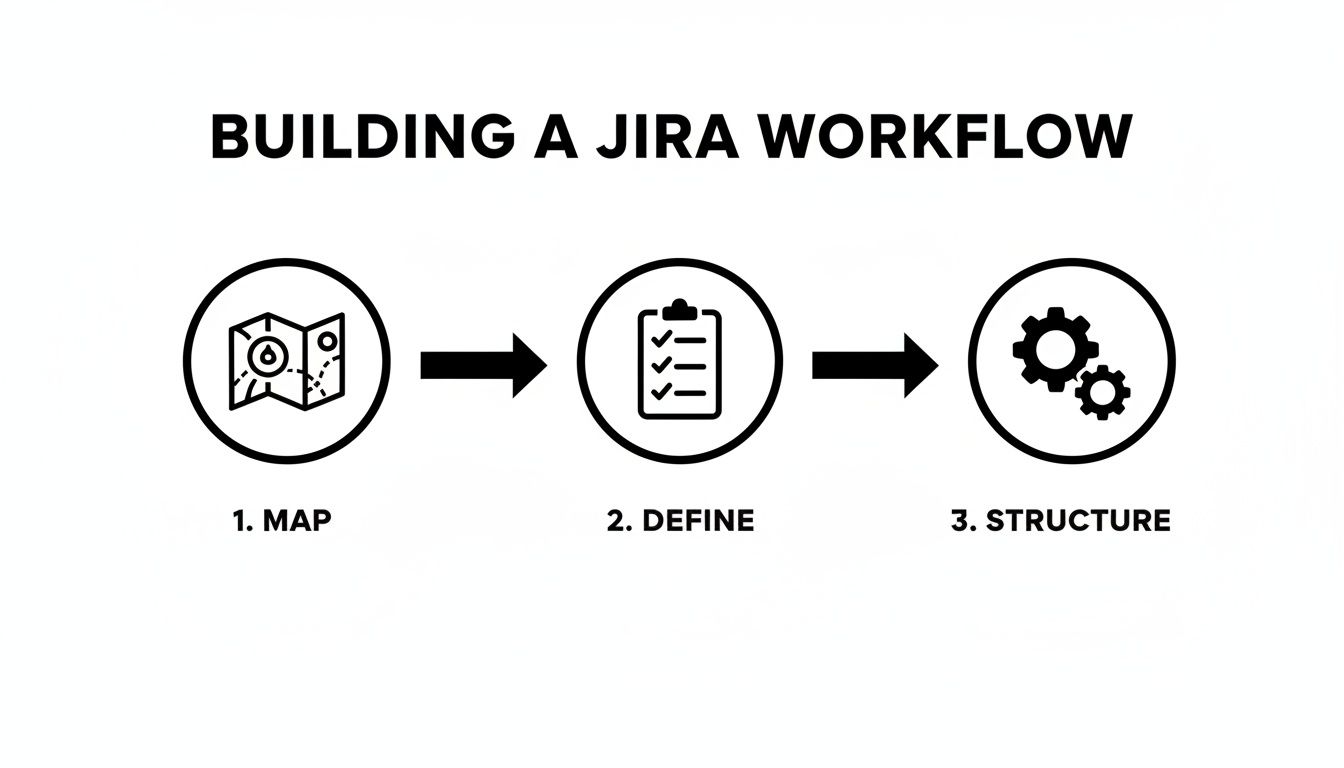
    This diagram shows the three-step approach to building a workflow ready for automation.

    A diagram illustrates three steps to build a Jira workflow: map, define, and structure.

    Effective automation requires a clear blueprint: first map the real-world process, then define the rules, and finally build that structure in Jira before layering on automation.

    The Dev-to-QA Handoff, Perfected

    Let's focus on one of the most frequent and error-prone handoffs: moving code from a developer to the QA team. Manual handoffs here often lead to missed notifications, incomplete information, and finger-pointing.

    Automating this process ensures nothing falls through the cracks. You can create a rule that triggers the moment a developer completes their "Definition of Done" checklist.

    For example, when a developer checks off "Unit Tests Passed," set up an automation rule that instantly:

    • Changes the ticket status from In Development to Ready for QA.
    • Reassigns the ticket from the developer to the QA team lead.
    • Sends a notification to your team's #qa-alerts Slack channel with a direct link to the Jira ticket.

    This single rule eliminates three manual steps, making the handoff instant, consistent, and transparent. It's a small change that significantly improves team velocity. To put this into practice, read our article on Jira workflow automation for more detailed examples.

    The difference is stark when viewed side-by-side.

    Manual vs Automated Handoffs: A Comparison

    Compare the old, manual handoff from Dev to QA with a modern, automated approach using a tool like Harmonize Pro / Nesty. The gains in speed and reliability are clear.

    Process Step Manual Handoff (The Old Way) Automated Handoff (The Nesty Way)
    Status Change Developer manually drags the ticket to a new column. Automatic: Status changes to Ready for QA once the "Definition of Done" is complete.
    Reassignment Developer searches for the QA lead's name and reassigns. Automatic: Ticket is instantly assigned to the designated QA team or individual.
    Notification Developer pings QA in Slack or a Jira comment. If they remember. Automatic: A targeted notification is sent to a specific Slack channel with all context.
    Information Check QA has to manually check for build links, test notes, etc. Automatic: Handoff is blocked if required fields (like build URL) are empty.
    Outcome Delays, forgotten tickets, and wasted time chasing info. A seamless, error-proof handoff that happens in seconds.

    As the table shows, automation makes the process faster and smarter by building in checks that humans often forget. This is how you begin to scale quality.

    Using Triggers to Enforce Quality Gates

    Effective automation goes beyond notifications. With a powerful tool like Nesty for Jira, you can set up intelligent triggers that function as automated quality gates, ensuring standards are met without manual oversight.

    Imagine a developer attempts to move a ticket to Ready for QA. An intelligent trigger can intervene and check if the prerequisites are met. It can verify:

    1. Is the "Code Review Checklist" fully completed?
    2. Is a link to the build artifact attached?
    3. Are the test environment details filled out?

    If any answer is "no," the automation can block the status change and post an automated comment explaining what’s missing. This stops incomplete work from reaching the QA team, saving everyone from frustrating back-and-forth communication.

    By automating validation, you turn your process from a suggestion into a self-enforcing standard. The right way becomes the only way.

    Eliminating Communication Bottlenecks

    Poor communication is a major productivity killer. Data shows 45% of employees say it damages trust, and 90% attribute workplace failures to poor collaboration. Conversely, 76% of teams using project management tools for communication report significant efficiency gains. You can dive into more workplace collaboration statistics for more data.

    Automating communication isn't about replacing human interaction; it's about making it more meaningful. Let automation handle repetitive status updates so your team can focus on solving complex problems. It's about delivering the right information to the right person at the right time, transforming chaotic chatter into a predictable flow of information.

    Building Quality Gates into Your Workflow

    Automating handoffs is a good start, but what if the work being passed along isn't ready? Speeding up a broken process only means you deliver low-quality work to the next stage faster. To truly improve collaboration, you must build quality directly into your workflow.

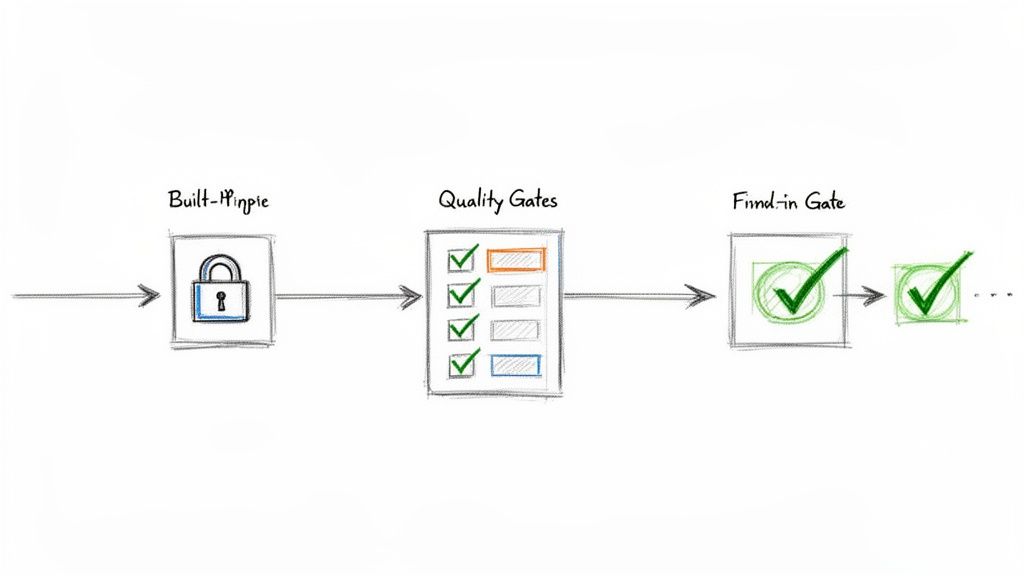
    Quality assurance should be a continuous process, not a last-minute inspection. Quality gates are automated checkpoints that prevent a task from moving forward until specific standards are met, catching problems at the source before they escalate.

    A visual diagram illustrating a process flow: Built-in Gate (padlock), Quality Gates (checklist), and a successful Final-in Gate (checkmark).

    From Suggestion to Standard with Checklists

    Many teams have a "Definition of Done" (DoD), but it often resides in a forgotten document. To make it effective, embed that DoD as a dynamic checklist directly within your Jira tickets.

    With an app like Nesty, you can create nested checklists to break down large quality checks into manageable stages.

    For example, a developer's checklist might include:

    • Code Implementation Complete
    • Unit Tests Written and Passed
    • Code Submitted for Peer Review
      • Sub-task: Peer Reviewer A Approved
      • Sub-task: Peer Reviewer B Approved
    • Build Deployed to Dev Environment

    This structure provides a real-time view of progress and creates a clear, auditable trail, ensuring every quality step is completed and verified.

    Implementing Smart Blockers That Enforce Rules

    Smart blockers give your quality gates authority. A smart blocker is an automated rule that physically prevents an issue from changing status until all criteria are met. The system enforces the process, so no individual has to act as the "process police."

    For instance, if a developer tries to move a ticket from In Development to Ready for QA, a smart blocker can check:

    1. Is the "Developer DoD" checklist 100% complete?
    2. Is a link to the code repository branch included?
    3. Has the ticket been estimated with story points?

    If any of these criteria are not met, the transition fails, and the developer receives an immediate notification explaining what is missing. This contextual feedback ensures no one has to chase down incomplete work.

    Smart blockers transform your workflow from a passive record into an active guardian of your team's quality standards. The correct way to do things becomes the only way to do things.

    A Real-World Release Management Scenario

    Apply this concept to a high-stakes process like a software release. A release ticket involves multiple teams and complex dependencies, making quality gates critical for a smooth deployment.

    Consider a release ticket with statuses like Ready for Staging, In Staging, Ready for Production, and Done.

    • Gate 1 (Moving to In Staging): Block the transition until a "Pre-Staging Checks" checklist is complete. This could include items like "Final build artifacts are attached" and "Release notes are drafted."
    • Gate 2 (Moving to Ready for Production): Block the transition until the "Staging QA & Sign-off" checklist is fully verified. This list would include crucial steps like "All regression tests passed," "Performance tests successful," and "Product Owner sign-off received."

    This proactive approach ensures your release process is followed precisely every time, dramatically reducing human error and preventing bugs from reaching production. Mastering these gates is a key component of Jira workflow best practices.

    How to Measure If Better Collaboration Is Actually Working

    Implementing new workflows and automation is only half the battle. To prove these changes are effective, you need to track the right metrics. Stop relying on gut feelings and start using hard data to measure your team's performance.

    Focus on Key Performance Indicators (KPIs) that directly reflect the health of your collaborative processes. These metrics provide clear evidence that your new systems are reducing friction, increasing speed, and improving work quality.

    Metrics That Actually Tell You Something

    Move past superficial stats like the total number of tickets closed. To gain real insight, track KPIs that measure the efficiency of your entire development lifecycle.

    Here are three essential metrics you can track directly within Jira:

    • Cycle Time: This measures the total time from when work begins on a ticket ("In Progress") to when it is complete ("Done"). A consistently decreasing cycle time is a strong indicator that your automated handoffs are successfully eliminating bottlenecks.
    • Rework Rate: Track how often a ticket moves backward in the workflow (e.g., from In QA back to In Development). A high rework rate signals poor communication or unclear requirements. A declining rate shows your "Definition of Done" and quality gates are working.
    • On-Time Delivery Percentage: Measure the percentage of work your team completes within the planned sprint or release timeline. As collaboration improves, predictability increases, which should be reflected in a higher on-time delivery rate.

    These metrics provide a tangible pulse on your team's collaborative health.

    Build a Collaboration Dashboard in Jira

    Data is only useful if it's visible. Use Jira's native dashboards to create a single source of truth for tracking the performance of your process improvements.

    Keep your dashboard focused on key metrics. Use the "Control Chart" gadget to visualize cycle time and the "Created vs. Resolved Chart" to monitor throughput. Seeing these trends daily helps you spot progress and address issues before they become major problems.

    Use your Jira dashboard as a conversation starter in retrospectives. Celebrate wins and have honest, data-driven discussions about what needs improvement.

    Connecting the Dots to Business Value

    Ultimately, you must demonstrate the return on investment (ROI) of your efforts. It's more powerful to present a dashboard showing a 20% reduction in Cycle Time and a 15% drop in Rework Rate than to simply say you "made things smoother."

    These metrics translate directly to business value. A lower rework rate means fewer developer hours are wasted fixing preventable bugs, freeing up time for new feature development. A shorter cycle time allows your company to respond faster to market changes and customer feedback, providing a significant competitive advantage.

    This is how you prove that investing in a tool like Harmonize Pro / Nesty is not just an expense—it's a strategic move that drives efficiency, quality, and growth.

    Got Questions? We’ve Got Answers.

    Adopting workflow automation can seem daunting, but it is one of the most impactful changes you can make to improve team collaboration. Here are answers to common questions that arise when teams get started.

    "How Can We Start Automating Jira Workflows Without Blowing Up Our Current Sprint?"

    The key is to start small and secure a quick win. Do not try to overhaul your entire company's process at once. Instead, identify a single, specific pain point that everyone agrees is a bottleneck.

    The classic handoff from Development to QA is an ideal starting point, as it is a frequent source of miscommunication and delays.

    Follow this low-risk, four-step approach:

    1. Isolate the experiment. Choose one team or a single project to pilot the new process. This contains the impact and allows you to gather feedback without disrupting other teams.
    2. Use a sandbox. Always build and test new automation in a separate test project. This provides a safe environment to refine the workflow before deploying it to live projects.
    3. Map the real steps. Document the existing process in detail. Identify what the developer does, what information the QA engineer needs, and the exact trigger point for the handoff.
    4. Define a clear trigger. For example, configure the automation to fire when a "Code Review Checklist" is marked complete. This action can then automatically reassign the ticket to the QA lead and notify them via Slack.

    This approach demonstrates value on a small scale, minimizing disruption and building momentum for broader adoption.

    "What’s the Real Difference Between Jira’s Built-in Automation and an App Like Nesty?"

    Jira’s native automation is effective for simple, linear rules, such as "When status changes, add a comment." It is best suited for basic housekeeping and simple alerts.

    However, for complex processes with multiple dependencies, conditional logic, and cross-team coordination, you will quickly reach its limits. This is where a dedicated app like Nesty by Harmonize Pro provides a more robust solution designed for intricate, real-world workflows.

    A simple analogy: Jira's native automation is like setting a single alarm clock. Nesty is like conducting an orchestra, ensuring every instrument plays its part at the right moment.

    Nesty offers advanced capabilities that native functions lack:

    • Deeply Nested Checklists: Create multi-level checklists to serve as comprehensive, enforceable quality gates.
    • Dynamic Blockers: Physically prevent a ticket from transitioning until specific criteria are met, turning process suggestions into enforced standards.
    • Intelligent Multi-Step Triggers: A single action, like completing a checklist, can initiate a cascade of automated actions, such as creating and assigning multiple sub-task checklists to different people across different teams.

    For complex processes like customer onboarding or multi-environment releases, this level of control is essential for building a self-managing Jira ticket that guides the entire workflow.

    "How Do We Actually Get Our Team to Adopt These New Standardized Processes?"

    Adoption hinges on one principle: make the right way the easiest way. If your new, automated process requires less effort than the old, manual one, your team will embrace it.

    First, involve the team in the design process. When people help build the workflow, they gain a sense of ownership and ensure it solves their actual problems, not just perceived ones.

    Next, highlight the personal benefits. Show a developer how completing one checklist eliminates three manual tasks they dislike, such as updating the ticket status, reassigning it, and notifying the QA team. They will see the new process as a time-saving tool, not just another layer of bureaucracy.

    Finally, use features like Nesty's blockers to guide behavior. When an issue cannot be moved forward until the "Definition of Done" is met, the process enforces itself. This creates consistency and ensures quality is built-in from the start, which ultimately makes everyone's job easier.


    Ready to stop talking about process and start building self-managing workflows? With Harmonize Pro, you can create the intelligent, automated handoffs and quality gates that keep your teams in sync and shipping better work, faster.

    Learn more and start building at HarmonizePro.com.

  • A Practical Guide for Admins on Changing a Workflow in Jira

    A Practical Guide for Admins on Changing a Workflow in Jira

    Your Jira workflow is the digital backbone of how your team completes work. Changing it is a strategic move that can either unlock new efficiency or create chaos. Before touching any admin settings, you must be crystal clear on why a change is necessary. Are you trying to eliminate a bottleneck, adapt to a new methodology, or provide clearer reporting to stakeholders? A vague reason leads to a failed implementation.

    Knowing When to Change Your Jira Workflow

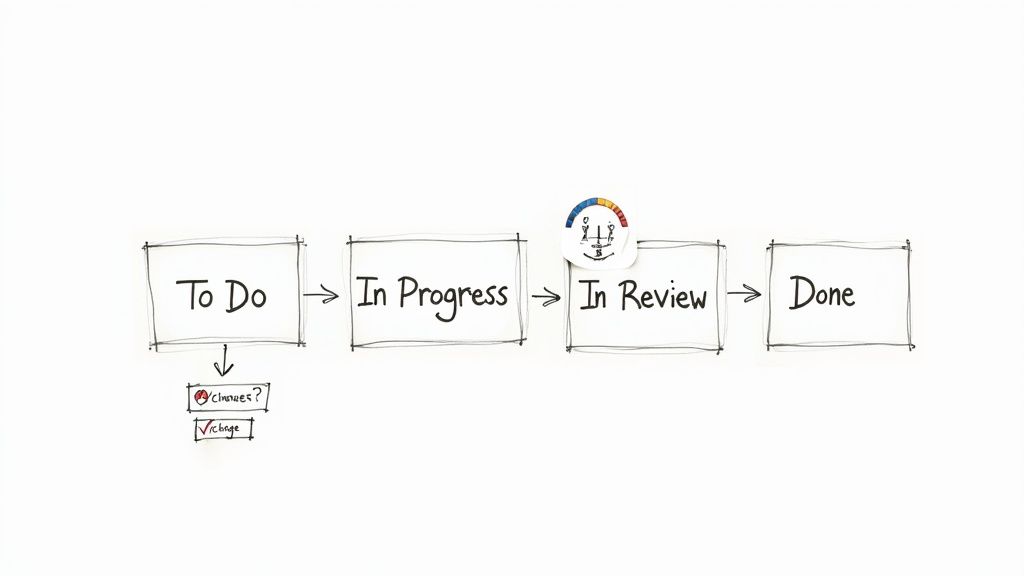
    A hand-drawn workflow diagram illustrating 'To Do', 'In Progress', 'In Review', and 'Done' stages, with a sub-process for 'changes'.

    Before editing, confirm the workflow is the true problem, not a symptom of a deeper issue like insufficient resources or unclear requirements. A well-timed update can boost team velocity. A poorly planned one creates confusion and kills momentum.

    Common Triggers for a Workflow Update

    Often, the need for a change is obvious. A growing software team, for example, quickly outgrows a simple "To Do -> In Progress -> Done" workflow. To accurately reflect their development cycle, they need more granular stages like "Backlog," "In Development," "Code Review," "QA Testing," and "Ready for Release." Conversely, an overly complex workflow with redundant statuses can slow teams down. If your team spends more time debating an issue's status than working on it, it's time to simplify.

    Here are actionable signs that your Jira workflow needs an overhaul:

    • Frequent Bottlenecks: Identify columns where tickets consistently pile up. This signals a process blockage or a resource constraint that a workflow change can help visualize and manage.
    • Poor Visibility: If stakeholders constantly ask for manual status updates, your workflow statuses are too vague or don't reflect the actual work stages. The workflow should provide clarity at a glance.
    • Direct Team Feedback: Listen to your users. If they find the workflow clunky or misaligned with their actual process, treat their feedback as a requirement for change.
    • Shift in Methodology: When moving from Scrum to Kanban or adopting a new agile framework, your Jira workflow must be updated to support the new principles, ceremonies, and required metrics.

    A great workflow should be an invisible guide, not an obstacle. When your team starts developing workarounds to avoid the workflow, it has failed and must be fixed.

    To ensure your changes are effective, benchmark your current process against proven strategies. Brushing up on Jira workflow best practices provides a solid foundation for designing a workflow that sets your team up for success.

    Your Pre-Change Preparation Checklist

    Attempting a live Jira workflow change without a plan is a high-risk gamble that almost always causes disruption. The smoothest updates are built on careful preparation. Follow this checklist before you modify any settings.

    Your first action is to secure buy-in from your team, product owners, and other key stakeholders. Schedule a meeting to walk them through the proposed changes and explain why each modification is necessary. Connect each change directly to a specific problem they are currently facing to get them on board.

    Visualize the Change and Get Everyone on the Same Page

    To make the discussion concrete, map out the current and proposed workflows side-by-side on a whiteboard or a digital tool like Miro. Draw every status and transition clearly. This visual comparison makes it easy for stakeholders to understand the changes, ask specific questions, and spot potential issues you might have overlooked.

    Remember, Jira is a critical tool for a vast number of teams. An estimated 57.5% of professional developers use it to manage their work. Any change has a significant ripple effect, making stakeholder alignment an essential prerequisite for success. You can see the complete data in the full Stack Overflow survey analysis.

    Once you have alignment, the next step is to create a safe testing environment.

    Set Up a Sandbox Environment

    This cannot be stressed enough: Never test workflow changes in your live production environment. A sandbox is non-negotiable. If you use Jira Cloud Premium or Enterprise, Atlassian provides a sandbox where you can clone your production setup.

    Use this isolated environment to perform these critical validation steps:

    • Test every transition path: Click through each new transition to verify that all conditions, validators, and post-functions execute as expected.
    • Check for integration conflicts: Confirm that the new workflow does not break any connected apps, custom scripts, or automation rules.
    • Conduct user acceptance testing (UAT): Grant access to team leads or power users so they can run through common scenarios and provide feedback in a zero-risk environment.

    Treat your sandbox as a full dress rehearsal. It is where you find and fix all issues before the live rollout, ensuring a smooth and predictable deployment.

    Finally, prepare a rollback plan. Document the exact steps required to revert to the old workflow, including how to switch the workflow scheme and manage any issues that were in transition. Having this plan ready gives you the confidence to proceed, knowing you can quickly undo the change if a critical problem arises.

    A Practical Guide to Editing Workflows

    With preparation complete and your sandbox ready, it's time to implement the changes. Modifying a Jira workflow involves configuring the logic that dictates how issues move through your process.

    Navigate to the Jira administration panel to begin. Your first step should always be to make an inactive copy of the current workflow. This allows you to make all your changes without impacting the live project. You will activate this new version only when it is fully configured and tested.

    Building Your Workflow's Foundation: Statuses and Transitions

    Statuses are the core stages of your process, such as ‘To Do’, ‘In Review’, or ‘Done’. Adding or removing a status is straightforward. The real power lies in configuring transitions, which are the pathways connecting one status to another. Each transition you create becomes a clickable button in the Jira issue view. Give it a clear, action-oriented name like "Submit for Review" to make the process intuitive for your users.

    Think of statuses as rooms and transitions as doorways. Your job as an admin is to control not just where the doors lead, but who has the key and what criteria they must meet to pass through.

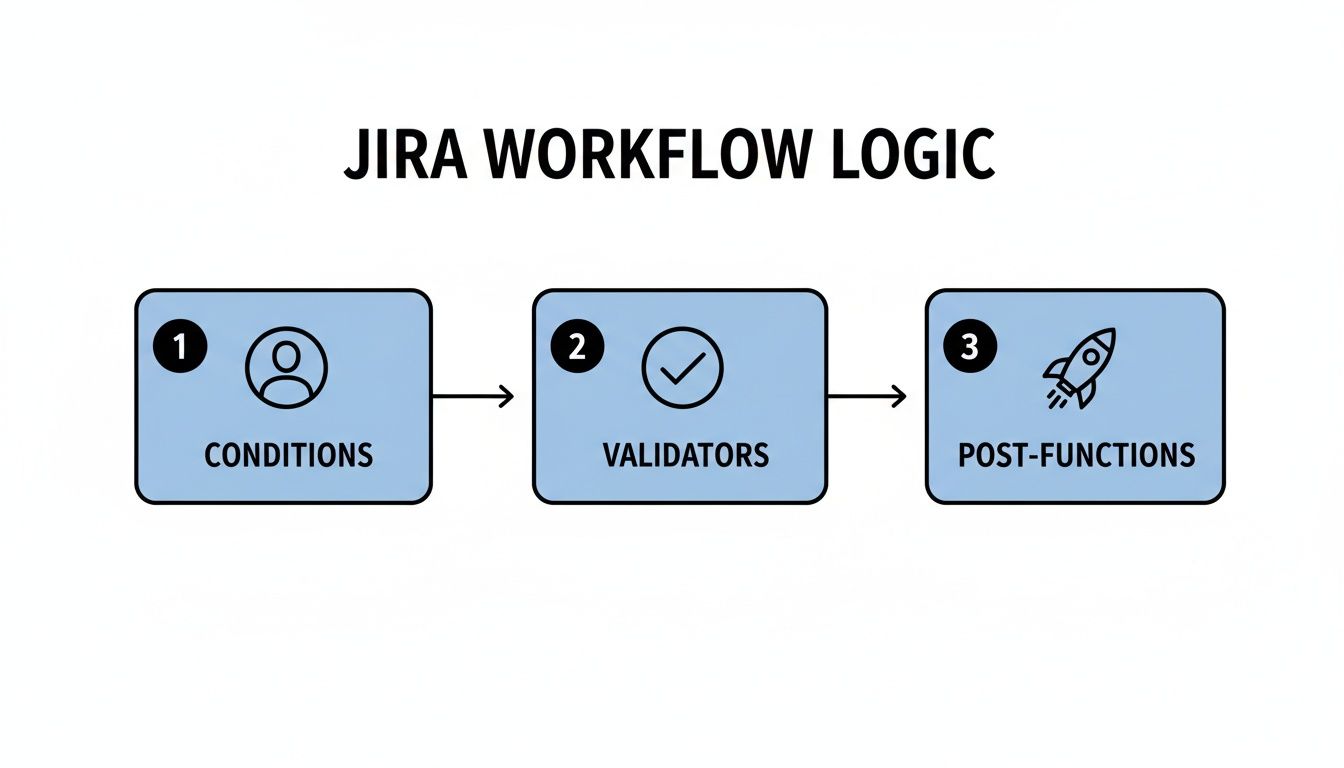
    To build an intelligent workflow, you must master the three components that control each transition: conditions, validators, and post-functions.

    Adding Intelligence with Conditions, Validators, and Post-Functions

    These three tools transform a simple process map into a smart, automated system that enforces rules and eliminates repetitive tasks.

    • Conditions control who can see a transition. For example, set a condition so only users in the 'QA-Team' project role can see the "Mark as Tested" transition, preventing others from skipping this crucial step.
    • Validators act as quality gates, checking that specific criteria are met before allowing a transition. A common use is adding a validator to the "Start Progress" transition that requires an assignee to be set, preventing unassigned work.
    • Post-Functions trigger actions after a transition is completed successfully. This is your primary tool for automation. A classic post-function is to automatically assign an issue to the QA lead as soon as it moves to the ‘Ready for Testing’ status.

    Here is a practical example for a software team that wants to enforce peer review for every bug fix:

    To configure the transition from ‘In Progress’ to ‘In Review’:

    • Condition: Add a condition so only the issue's current assignee can move it to review, preventing premature handoffs.
    • Validator: Add a validator that checks if a 'Code Reviewer' custom field has been filled out. The transition will fail if the field is empty.
    • Post-Function: Once the validator passes, a post-function automatically assigns the issue to the user selected in the 'Code Reviewer' field and sends them a notification.

    By layering these three elements, you build a system that actively guides your team toward your established best practices.

    Key Workflow Components and Their Functions

    Use this table as a quick reference for the function of each workflow component.

    Component Function Practical Example
    Conditions Controls who can perform a transition. Only a ‘Project Manager’ can move an issue to the ‘Approved’ status.
    Validators Ensures required data is present before a transition. A bug report can’t move to ‘In Progress’ until the ‘Steps to Reproduce’ field is filled.
    Post-Functions Automates actions after a transition is complete. When an issue moves to ‘Done’, automatically update its resolution to ‘Fixed’.

    Mastering these tools will enable you to make precise, effective workflow changes that reduce process friction and genuinely help your team.

    How to Safely Migrate Issues to a New Workflow

    After designing and testing your new workflow in the sandbox, the final step is migrating all existing issues. With a clear plan, this is a low-risk process. The goal is to move every active issue to the new workflow without data loss or team disruption.

    The migration process is initiated by associating your new workflow with the project's workflow scheme. Jira will then prompt you to map the statuses from the old workflow to the new one. This mapping step is critical for data integrity.

    Mapping Old Statuses to New Ones

    For each status in your old workflow, you must select a corresponding status in the new one. For example, an old status like ‘In QA’ can be mapped directly to a new status called ‘QA Testing’.

    However, you will likely encounter edge cases, such as obsolete statuses like ‘On Hold’ that don't exist in the new workflow. Here are two practical strategies for handling them:

    • Map to a logical default: Route issues from the obsolete status to a default state in the new workflow, such as the ‘Backlog’. This allows product managers to re-triage them.
    • Use a temporary holding status: Create a temporary status in the new workflow, like ‘Needs Triage’. Map the old status there. After migration, you can use a bulk change operation to move these issues to their correct new statuses.

    The golden rule of migration: no issue left behind. You must map every old status, even those you believe are unused. Overlooking a single status can leave issues in a broken state, creating a post-migration cleanup task you want to avoid.

    The status mapping process preserves the logic built into your transitions.

    A diagram illustrating Jira workflow logic, showing three sequential steps: Conditions, Validators, and Post-Functions.

    This sequence of Conditions, Validators, and Post-Functions is what makes your workflow intelligent. Correct status mapping ensures this logic remains intact after the switch.

    Communicating and Scheduling the Migration

    The technical migration may be quick, but the impact on your team is immediate. Proactive communication is essential. Announce a specific migration window well in advance, choosing off-peak hours (like a Friday afternoon) to minimize disruption. Inform your team about any potential downtime and clearly explain what changes they will see when they log back in. This simple step prevents a flood of support requests and ensures a smooth transition for everyone.

    For organizations managing complex dependencies across multiple teams, refer to this guide on cross-functional workflow transitions to keep everyone aligned.

    Automating Handoffs to Shave Off Manual Work

    A workflow diagram showing development, quality assurance, and operations stages with a person observing.

    An optimized Jira workflow should actively move work forward. Once your statuses and transitions are defined, the next major improvement is automating the handoffs between teams. These are the points where work often stalls while waiting for someone to manually update a ticket, reassign it, and notify the next person.

    Instead of relying on manual updates, use automation to handle these repetitive tasks for you. Jira Automation, based on a simple "if-this-then-that" logic, is the primary tool for this. You define a trigger (like a status change) and then specify the actions Jira should perform automatically.

    Starting with Jira's Native Automation

    Consider the common handoff from development to QA. Manually, a developer must move the issue, select the correct QA engineer, reassign the ticket, and potentially send a Slack message. This multi-step process is prone to error.

    With Jira Automation, you can execute this entire sequence with a single transition:

    • Trigger: Issue transitions to "Ready for QA."
    • Action 1: Automatically assign the ticket to a specific QA lead or use a load-balancing rule to assign it to the next available tester.
    • Action 2: Add a comment to the issue, tagging the QA team's user group for visibility.
    • Action 3: Send a notification to a designated Slack channel like #qa-alerts.

    This transforms your workflow from a passive tracker into an active participant. The data from Atlassian shows that over 10 billion automated actions have been executed, proving the value teams get from offloading manual work.

    Enforcing Standards and Complex Handoffs

    Jira's native automation is excellent for straightforward tasks, but what about enforcing complex standards like a Definition of Done (DoD)? For example, you may need to prevent a story from being moved to "Done" until all its sub-tasks are closed and a "QA Approved" checkbox is ticked.

    Automation enforces process discipline without requiring manual oversight. By building your standards directly into the workflow, best practices become non-negotiable steps in the process.

    For these advanced requirements, you may need a Marketplace app like Nesty for Jira (Harmonize Pro). It allows you to create detailed, multi-step checklists within an issue and use their completion as a trigger for workflow transitions. For example, you can build a rule that only allows an issue to be reassigned to the DevOps team after the QA checklist is 100% complete, eliminating coordination overhead and ensuring nothing moves forward prematurely.

    For more advanced techniques, explore our complete guide to Jira workflow automation.

    How to Validate and Scale Your New Workflow

    Launching your new workflow is the start, not the end, of the process. Treat your workflow as a living system that requires ongoing validation, refinement, and scaling.

    Your immediate priority is to gather feedback from your users. Schedule a brief retrospective meeting one or two weeks after launch to capture their initial impressions. Ask targeted questions to uncover specific friction points:

    • Which transitions are confusing or feel unnecessary?
    • Are any statuses unclear or redundant?
    • Is the new workflow saving time, or has it added extra clicks?

    Acting on this feedback demonstrates that you value your team's experience and helps you resolve minor issues before they become major problems.

    Planning for Organizational Growth

    A workflow that is perfect for a small team can become a bottleneck as your organization grows. You must plan strategically for how to scale your Jira workflows. A common challenge is deciding between a single, shared workflow scheme for multiple projects and project-specific workflows.

    A shared workflow promotes consistency across similar teams, simplifies cross-project reporting, and makes it easier for people to move between projects. However, it risks becoming a "one-size-fits-none" solution if teams have genuinely different processes.

    A workflow should be a supportive framework, not a rigid cage. The moment a standardized process actively hinders a team's ability to deliver value, it’s time to consider a more tailored, project-specific approach.

    A project-specific workflow, on the other hand, gives a team complete autonomy to tailor its process. The trade-off is increased administrative overhead and the potential for inconsistent data that complicates high-level reporting.

    Atlassian is addressing this challenge by increasing Jira Cloud's capacity to 100,000 users on a single instance, enabling large organizations to centralize work and reduce workflow fragmentation. You can read more about these Jira scalability enhancements on their blog.

    The key is to evolve your workflows with intention. Continuously monitor performance, maintain open communication with your teams, and be prepared to adapt as your organization's needs change.


    Ready to eliminate manual handoffs and enforce your Definition of Done without the extra work? Harmonize Pro's Nesty app turns your Jira tickets into dynamic, automated processes. Discover how Nesty can streamline your cross-team collaboration.

  • 10 Actionable Jira Workflow Best Practices for 2025

    10 Actionable Jira Workflow Best Practices for 2025

    Jira is the backbone of modern software development, but are you using it to its full potential? A well-designed workflow is the difference between a simple to-do list and an automated, intelligent system that accelerates delivery and enforces quality. Many teams struggle with chaotic boards, missed handoffs, and unclear processes, turning Jira into a source of friction rather than a tool for collaboration. This common pitfall leads to manual overhead, inconsistent data, and a lack of visibility into the true status of work. When workflows are poorly configured, they become a bottleneck instead of a guide.

    This guide cuts through the noise. We will explore 10 specific, actionable Jira workflow best practices that go beyond generic advice. You'll learn how to implement clear states, enforce quality gates like Definition of Done (DoD) or Definition of Ready (DoR), automate tedious manual steps, and leverage metrics to create a self-managing process. These strategies are tailored for the unique needs of software, QA, DevOps, and product teams, providing concrete steps to build a more efficient and predictable delivery pipeline.

    By implementing these best practices, you can transform your Jira instance from a passive task tracker into an active, intelligent system. The goal is to build workflows that enforce standards, reduce rework, and let your teams focus on what they do best: building great products. Forget the vague tips; this listicle provides practical implementation details and real-world examples to help you create a workflow that truly works for your organization.

    1. Define Clear Workflow States and Transitions

    The foundation of any effective Jira project is a workflow that accurately maps to your team's real-world processes. One of the most critical Jira workflow best practices is to establish a well-defined set of states (statuses) and the explicit transition rules that govern movement between them. This creates a predictable, transparent process map that eliminates ambiguity and ensures everyone understands how work progresses from conception to completion.

    A clear workflow prevents issues from getting lost, clarifies ownership at each stage, and provides accurate data for reporting on cycle time and throughput. Without it, your Jira board becomes a chaotic free-for-all where issue statuses are inconsistent and team members are unsure of the next step.

    How to Implement This Practice

    Start by mapping your current process on a whiteboard. Don't build your ideal workflow yet; document what actually happens. This exercise often reveals hidden steps or bottlenecks. From there, you can design a streamlined workflow in Jira.

    • For Scrum Teams: Implement a workflow like BacklogSelected for DevelopmentIn ProgressCode ReviewIn QADone. This structure clearly separates development, review, and testing activities.
    • For Kanban/Ops Teams: Use a simpler flow focused on continuous delivery: NewAssignedIn ProgressWaiting for CustomerResolvedClosed. This accommodates the reactive nature of operations and support tasks.

    Key Insight: The goal isn't to create the most complex workflow, but the most intuitive one. Start with 4-6 core states. You can always add more complexity later, but it's much harder to simplify an overly engineered process that the team has already adopted.

    Actionable Tips for Success

    • Visualize and Document: Use Jira’s workflow designer to build and visualize your process. Create a Confluence page that details the purpose of each state and the "Definition of Done" required to move to the next.
    • Restrict Transitions: Configure your workflow to enforce the process. For example, prevent an issue from moving from In Progress directly to Done, forcing it to go through Code Review and In QA first.
    • Use Conditions and Validators: Add workflow conditions (e.g., only the 'Assignee' can move an issue to In Progress) and validators (e.g., require a 'Test Plan' to be attached before moving to In QA) to enforce quality gates.
    • Review and Refine: Treat your workflow as a living document. Hold a review every quarter to gather team feedback and identify bottlenecks. Are issues piling up in one particular state? That’s a signal that your process needs adjustment.

    2. Implement Role-Based Permissions and Workflow Restrictions

    Once you have a clear workflow, the next step is to ensure it’s followed correctly by controlling who can do what, and when. A crucial Jira workflow best practice is to implement role-based permissions and configure workflow restrictions. This practice prevents unauthorized or premature state changes, creating clear lines of accountability and safeguarding the integrity of your process.

    Without defined permissions, anyone can move an issue anywhere, bypassing critical quality gates like code reviews or QA testing. This leads to inconsistent data, missed steps, and a breakdown in process discipline. By restricting transitions, you ensure that specific actions are performed only by the individuals qualified and responsible for them.

    A whiteboard sketch illustrating a development workflow with 'To Do', 'In Progress', 'Code Review' stages and a locked 'QA only' step.

    How to Implement This Practice

    Begin by identifying the key handoff points and quality gates in your workflow where control is most needed. Map these points to specific project roles (e.g., Developer, QA Engineer, Release Manager) within Jira. Then, configure your workflow to use conditions that restrict transitions based on these roles or user groups.

    • For Development Teams: Restrict the transition from In Progress to Code Review to only the issue's assignee. Then, allow only users in the 'Senior Developers' project role to move an issue from Code Review to In QA.
    • For Release Management: Configure the workflow so that only a user in the 'Release Manager' group can execute the final transition from Staging Approved to Deployed to Production. This prevents accidental or unauthorized deployments.

    Key Insight: The goal of restrictions isn't to create bureaucracy, but to build guardrails that guide the team toward the correct process. These permissions should empower roles by clarifying their specific responsibilities within the workflow, not hinder them.

    Actionable Tips for Success

    • Map Roles to Jira Groups: Create Jira groups that correspond to team roles (e.g., qa-team, dev-leads, product-owners) and use these in your workflow conditions for easier management.
    • Use Conditional Transitions: In the workflow editor, add a "Condition" to a transition. A common one is the "User Is In Project Role" or "User Is In Group" condition to lock down specific paths.
    • Document the "Why": On your Confluence workflow documentation page, clearly state who can perform each transition and the reasoning behind the restriction. This fosters understanding and buy-in from the team.
    • Audit Permissions Regularly: Use Jira's Permission Helper and Scheme Reports to periodically review who has access to what. This helps identify and clean up misconfigurations before they cause problems. For more advanced automated controls, you can explore tools that help enforce critical workflow gates.

    3. Use Custom Fields to Enhance Workflow Context

    While workflow states and transitions define the path of an issue, custom fields provide the crucial context needed at each step. One of the most impactful Jira workflow best practices is to use custom fields strategically to capture essential information at specific stages. This enriches your issues with data that informs decision-making, streamlines handoffs, and improves the overall intelligence of your workflow.

    Without relevant context, team members are forced to hunt for information in comments, attachments, or external documents. By embedding data collection directly into your workflow, you ensure that the right information is available at the right time, reducing friction and preventing delays caused by missing details.

    How to Implement This Practice

    The key is to present fields only when they are needed. Don't overwhelm users with dozens of fields on the "Create Issue" screen. Instead, use Jira screens and workflow transitions to conditionally require or display fields as an issue progresses. This approach makes your workflow dynamic and user-friendly.

    • For Bug Triage: In a bug-fixing workflow, the initial screen might only require a summary and description. Upon transitioning to In Progress, you could then prompt the developer to fill in required fields like Root Cause Analysis and Affected Component(s).
    • For Feature Development: A new feature request might only need a Business Justification to move from the Backlog to Selected for Development. Later, when it moves to Ready for Release, a Deployment Notes field could be required.
    • For DevOps/Release: A deployment ticket could require a Target Environment field when moving to Ready for Deployment, and a Rollback Plan field before transitioning to Deploying.

    Key Insight: Think of your workflow as a conversation with your team. Custom fields are the questions you ask at each stage to ensure clarity and completeness. Ask only what's necessary for the next step, not everything at once.

    Actionable Tips for Success

    • Use Transition Screens: Configure your workflow transitions to pop up a screen that prompts users for specific information. For example, when moving an issue to a Blocked status, present a screen that requires a Reason for Blocker text field.
    • Leverage Field Configurations: Create different Field Configuration Schemes for different issue types. This allows you to show or hide fields based on the workflow state, keeping issue screens clean and relevant.
    • Group Related Fields: On your Jira screens, use tabs to group related custom fields together (e.g., a "QA" tab with fields for Test Plan and Test Results). This improves readability and organization.
    • Regularly Audit Fields: Custom field clutter is a common Jira problem. Every six months, run an audit to identify and deprecate unused or redundant fields. This keeps your instance performant and your processes lean.

    4. Establish Workflow Automation Rules

    Manually updating issues, assigning them to the right person, and sending status notifications is not only tedious but also a major source of process errors and delays. Establishing workflow automation rules is one of the most impactful Jira workflow best practices because it offloads repetitive administrative tasks to the system itself. This ensures consistency, reduces human error, and frees up your team to focus on value-adding work instead of Jira housekeeping.

    A well-automated workflow enforces your process 24/7 without fail. It accelerates handoffs between teams, keeps stakeholders informed in real-time, and ensures that critical process steps are never missed. This practice transforms your Jira instance from a passive task tracker into an active, intelligent process engine.

    Hand-drawn workflow diagram showing a diamond decision node connected to condition, update, and action steps.

    How to Implement This Practice

    Jira Automation uses a simple "When… If… Then…" logic to build rules. You define a trigger (When), add optional conditions (If), and specify the resulting action (Then). Start by identifying high-volume, low-complexity tasks that are currently performed manually. These are the perfect candidates for your first automation rules.

    • For Development Teams: Create a rule to automatically transition an issue from Backlog to In Progress when a developer assigns it to themselves. Set up another rule that, when a pull request is created, automatically moves the linked Jira issue to Code Review.
    • For Service/Support Teams: When a customer comments on an issue in the Waiting for Customer status, create a rule to automatically transition it back to In Progress and assign it to the last agent who worked on it. If an issue remains in Resolved for 5 days without a customer response, automatically transition it to Closed.

    Key Insight: The true power of automation is not just saving clicks, but enforcing process discipline. By automating transitions and notifications, you ensure that every issue follows the exact same path, leading to more reliable data and predictable outcomes.

    Actionable Tips for Success

    • Start Simple and Iterate: Begin with basic rules like auto-assigning sub-tasks when a parent issue is created. As you gain confidence, build more complex rules with multiple conditions and actions.
    • Keep Stakeholders Informed: Set up automation to send notifications to a Slack or Microsoft Teams channel when high-priority issues are created or when a release is deployed. You can learn more about how to configure advanced notifications with Nesty triggers on harmonizepro.com.
    • Manage Time-Based SLAs: Create rules that trigger reminders or escalate issues that are approaching an SLA breach. For example, automatically comment on and change the priority of a bug that has been in the New status for more than 24 hours.
    • Document and Monitor: Maintain a Confluence page that documents every automation rule, its purpose, and its trigger. Regularly check the audit log for your automation rules to ensure they are running as expected and not causing unintended side effects.

    5. Implement Status Categories for Cross-Project Consistency

    As organizations scale, teams often create custom workflows tailored to their specific needs. While this autonomy is powerful, it can lead to reporting chaos when every project has unique status names like "In Review," "Ready for QA," or "Testing." One of the most impactful Jira workflow best practices for maintaining high-level consistency is to leverage Jira’s built-in Status Categories: To Do, In Progress, and Done.

    These categories act as a universal translator, grouping disparate custom statuses under a standardized umbrella. This allows for meaningful cross-project reporting and portfolio management without forcing every team into a single, rigid workflow. You can accurately track the overall progress of an epic or initiative even if the underlying teams use different statuses.

    How to Implement This Practice

    The implementation lies in thoughtfully mapping your custom workflow statuses to one of the three core categories. This mapping is done within the Jira administration settings when you create or edit statuses. The goal is to create a logical grouping that reflects the nature of the work at each stage.

    • To Do (Blue): Map any state where work has not yet begun. This includes statuses like Backlog, New, To Do, Selected for Development, or Ready for Triage.
    • In Progress (Yellow): Map all states where work is actively being performed or is in a waiting state between active steps. This is where you would map statuses like In Progress, Code Review, In QA, Blocked, or Waiting for UAT.
    • Done (Green): Map all statuses that signify the completion of work on an issue. Common statuses include Done, Resolved, Closed, Released, or Cancelled.

    Key Insight: Status categories are the key to unlocking meaningful portfolio-level metrics. They provide a common language for reporting that allows leadership to understand overall progress without getting lost in the weeds of each team's specific workflow terminology.

    Actionable Tips for Success

    • Create a Status Mapping Guide: Document your organization's standard for mapping statuses to categories in a Confluence page. This ensures consistency as new projects and workflows are created.
    • Use Categories in Gadgets and Dashboards: Configure Jira gadgets like the "Issue Statistics" or "Two-Dimensional Filter Statistics" to report based on Status Category. This provides a clean, high-level view for stakeholders.
    • Leverage Categories in JQL: Use JQL queries like statusCategory = "In Progress" to build filters, boards, and reports that span multiple projects, regardless of their specific workflow statuses.
    • Review Categorization Regularly: During quarterly process reviews, audit your statuses to ensure they are still mapped to the most appropriate category. As workflows evolve, these mappings may need adjustment.

    6. Create Workflow Screens and Field Configurations Per Transition

    A cluttered Jira screen is a major source of friction and poor data quality. One of the most impactful Jira workflow best practices is to tailor which fields are visible and required at each step of your process. By creating specific screens for transitions, you guide users to provide the right information at the right time, reducing cognitive load and ensuring critical data is captured before an issue moves to the next stage.

    This practice transforms your workflow from a static data-entry form into a dynamic, context-aware system. When a developer moves an issue to "Code Review," they are prompted only for the necessary review information, not irrelevant fields from the initial issue creation. This keeps the process clean, efficient, and focused on the task at hand.

    How to Implement This Practice

    Jira allows you to associate a unique screen with a workflow transition. This screen can display a completely different set of fields than the standard "Create" or "Edit" screens. Use this feature to implement progressive disclosure, revealing information as it becomes relevant.

    • For Bug Triage: On the Create screen, show only Summary, Description, Priority, and Affected Version. When a QA engineer transitions the bug to Ready for Development, a transition screen could appear requiring them to add Story Points and Epic Link.
    • For Release Management: A release ticket might start with just a Summary and Target Release Date. When transitioning to In Staging, a screen prompts for Staging Deployment Notes and a Test Plan link. The final transition to Ready for Production could require a Rollback Plan and Final Sign-off from stakeholders.

    Key Insight: Don’t overwhelm users with every possible field on a single screen. Presenting only the 3-5 fields relevant to a specific transition significantly improves user adoption and the accuracy of the data you collect. The goal is to make providing correct information the path of least resistance.

    Actionable Tips for Success

    • Map Fields to Transitions: Before building in Jira, map out your workflow and list which specific fields are essential for each transition. This planning phase is critical.
    • Keep Create Screens Minimal: The initial creation screen should be as simple as possible to encourage quick issue logging. For agile teams, Summary, Description, and Epic Link might be all you need initially.
    • Use Required Fields Strategically: Make fields required on transition screens, not on the issue itself. For example, make a Code Reviewer field mandatory only when moving an issue to the Code Review status.
    • Provide Field Descriptions: Use Jira's built-in "Field Help" to add descriptions explaining what information is needed for complex or ambiguous fields, guiding the user directly on the screen.

    7. Monitor and Optimize Workflow Performance with Metrics

    A well-designed Jira workflow is not a "set it and forget it" asset; it's a dynamic system that requires continuous monitoring and refinement. One of the most impactful Jira workflow best practices is to establish a framework for measuring performance using key metrics like cycle time, throughput, and lead time. This data-driven approach transforms your workflow from a simple process map into a powerful engine for identifying bottlenecks, improving predictability, and boosting team efficiency.

    Without metrics, workflow improvements are based on guesswork and anecdotes. By tracking how work flows through your system, you can pinpoint exactly where delays occur, understand your team’s actual capacity, and make informed decisions to streamline your delivery pipeline.

    How to Implement This Practice

    Start by identifying the key metrics that align with your team's goals. Jira offers built-in reports like the Control Chart and Cumulative Flow Diagram, which are excellent starting points. Use these tools to establish a baseline before making any process changes.

    • For Engineering Teams: Focus on cycle time to measure the duration from when work begins (In Progress) to when it's ready for release (Done). A team might track this metric to see if process changes successfully reduced their average code review cycle time from two days to just four hours.
    • For Support Teams: Monitor the "time in status" for Waiting for Customer. A high average time could indicate a need for better follow-up processes or clearer initial information gathering to reduce back-and-forth communication and improve responsiveness.
    • For Product Teams: Measure lead time from idea creation to final release. This holistic view helps identify major bottlenecks across the entire value stream, such as delays in design handoffs or environment provisioning, allowing for targeted process improvements.

    Key Insight: Focus on cycle time and throughput over velocity. Velocity measures effort, but cycle time measures speed and efficiency. A team that consistently delivers value with a short, predictable cycle time is often more effective than a team with high but volatile velocity.

    Actionable Tips for Success

    • Create Team Dashboards: Build a dedicated Jira dashboard for your team that visualizes key workflow metrics. This promotes transparency and empowers the team to self-monitor their performance without waiting for a manager to generate reports.
    • Review Metrics in Retrospectives: Make workflow metrics a standing agenda item in your monthly or bi-weekly retrospectives. Use the data to guide discussions about what’s working and what isn’t, turning observations into concrete action items.
    • Use Time-in-Status Reports: Leverage Jira’s reporting capabilities to see how long issues linger in each state. If issues consistently pile up in Code Review, it's a clear signal that this stage is a bottleneck that needs immediate attention.
    • Correlate with Qualitative Feedback: Numbers only tell part of the story. Always discuss the metrics with your team to understand the context behind them. A spike in cycle time might be due to a holiday week, not a process failure.

    8. Design Workflows for Different Project Types and Methodologies

    A common mistake is trying to force a single, company-wide workflow onto every team and project. One of the most impactful Jira workflow best practices is to recognize that different methodologies and project types require tailored processes. A rigid, one-size-fits-all approach creates friction, reduces team buy-in, and ultimately leads to inaccurate data as teams create workarounds to fit their actual process.

    Designing workflows for specific needs ensures that the tool supports the team, not the other way around. This flexibility increases adoption, improves process efficiency, and provides more meaningful metrics because the workflow accurately reflects the work being done. A development team’s Scrum process is fundamentally different from a DevOps team’s Kanban flow or a support team’s bug-tracking lifecycle.

    How to Implement This Practice

    Begin by identifying the distinct work patterns within your organization. Instead of creating unlimited variations, aim to establish a few core, standardized workflow templates that teams can adopt based on their project's nature. This provides both structure and flexibility.

    • Scrum Development Workflow: A process built around sprints, with clear gates for review and testing. Example: BacklogTo Do (Sprint)In ProgressCode ReviewIn QADone.
    • Kanban Continuous Flow Workflow: A simpler, pull-based system focused on managing work in progress (WIP) and optimizing flow. Example: To DoIn ProgressReviewDone.
    • Bug Tracking Workflow: A lifecycle that includes triage, verification, and resolution steps. Example: NewTriagedAssignedIn ProgressResolvedVerifiedClosed.
    • Infrastructure/Ops Workflow: A request-based process with approval gates. Example: RequestApprovedProvisioningComplete.

    Key Insight: The goal is controlled flexibility, not chaos. Establish 2-3 well-documented, core workflow templates that cover 80% of your teams' needs. This prevents workflow sprawl while still accommodating different operational models.

    Actionable Tips for Success

    • Create Workflow Templates: In Jira, design and save your core workflows as templates. This makes it easy for project admins to select the right process when creating a new project, reducing setup time and ensuring consistency.
    • Document and Guide: For each template, create a Confluence page explaining its purpose, the definition of each status, and which types of teams should use it. Create a simple decision tree to guide teams in their selection.
    • Use Workflow Schemes: Associate different issue types within the same project to different workflows using Jira’s workflow schemes. For example, a 'Bug' can follow the bug-tracking workflow while a 'Story' follows the Scrum workflow, all within the same project. To see how this can be managed in complex environments, you can learn more about handling cross-functional workflows.
    • Audit and Consolidate: Periodically review the active workflows in your Jira instance. Identify underused or redundant workflows and work with teams to migrate them to one of your standard templates to reduce administrative overhead.

    9. Implement Post-Function Actions and Field Updates

    Manual updates are a common source of error and inconsistency in any workflow. One of the most powerful Jira workflow best practices is to leverage post-functions, which are automated actions that Jira performs after an issue transition is executed. By automating tasks like updating fields or notifying stakeholders, you reduce manual effort, enforce data integrity, and ensure your process runs smoothly without relying on human memory.

    Automating these small but critical actions keeps your data clean and reliable. It ensures that when a transition occurs, all necessary downstream effects are handled consistently, every single time. This frees up your team to focus on the work itself, not the administrative overhead of managing Jira tickets.

    How to Implement This Practice

    Post-functions are configured directly within the workflow transition settings in Jira. When you edit a transition (e.g., "Start Progress"), you can add, remove, or reorder the post-functions that fire after the transition completes. While complex automations can be built with apps or custom scripts, Jira’s native post-functions cover many common use cases.

    • Automatically Set a Resolution Date: When an issue moves to Done, add the built-in "Update Issue Field" post-function to set the Resolution Date field to the current time. This is essential for accurate cycle time reporting.
    • Assign to the Lead Reviewer: On the Move to Code Review transition, you can use a post-function to automatically assign the issue to a specific user, like the team’s tech lead, ensuring a swift handoff.
    • Trigger External Notifications: Use a post-function to trigger a webhook that sends a message to a Slack channel when a high-priority bug is moved to In QA, immediately alerting the testing team.

    Key Insight: Post-functions are the connective tissue of a smart workflow. They turn a passive status board into an active, automated system that enforces rules and communicates changes, significantly reducing the chance of human error and process gaps.

    Actionable Tips for Success

    • Start with Built-in Functions: Before reaching for a complex scripting app, explore Jira's native post-functions. They are powerful enough to handle common needs like updating fields, assigning users, and setting resolutions.
    • Document Your Automations: In your Confluence workflow documentation, add a section detailing what each post-function does and why it’s there. This prevents confusion when troubleshooting or modifying the workflow later.
    • Test in a Sandbox: Always test new or modified post-functions in a staging or test project. An incorrectly configured post-function can cause unintended data changes or even break your workflow.
    • Keep Logic Simple: A single transition can have multiple post-functions. Keep each one focused on a single, clear action. If you need complex, multi-step logic, consider using a dedicated automation rule instead.

    10. Conduct Workflow Training and Change Management

    Even the most perfectly designed workflow will fail if the team doesn't understand how or why to use it. A critical, yet often overlooked, Jira workflow best practice is to implement a structured change management and training plan. Simply launching a new workflow and expecting everyone to adopt it seamlessly is a recipe for confusion, inconsistent data, and frustration. A formal rollout plan ensures buy-in, smooths the transition, and maximizes the value of your process improvements.

    Proper change management turns a theoretical process diagram into a living, breathing team habit. It reduces friction, clarifies expectations, and creates a positive feedback loop where users feel heard and supported, leading to higher adoption rates and more reliable data from your Jira instance.

    How to Implement This Practice

    Introduce workflow changes deliberately, not as a surprise. Your plan should cover communication, training, and support from the initial announcement through post-launch feedback. The goal is to make the transition as easy as possible for every team member.

    • For New Hires: Incorporate a 30-minute "Jira Workflow Essentials" session into your onboarding process. This ensures new team members learn the correct process from day one, preventing them from developing bad habits.
    • For Existing Teams: When rolling out a new workflow, create a dedicated Slack channel for questions. Host brief, 15-minute daily huddles during the first week to address issues in real-time. Record and share short Loom videos demonstrating key transitions, like moving an issue from In Progress to Code Review.

    Key Insight: Don't just show the "what"; explain the "why." When team members understand that a new Ready for UAT state was added to reduce bug kickbacks from the business team, they are far more likely to embrace the change. Connect every process modification to a tangible team benefit.

    Actionable Tips for Success

    • Create Visual Aids: Develop simple, one-page "workflow cheat sheets" or diagrams that teams can reference. Visual guides are much easier to digest than lengthy documentation.
    • Pilot and Phase the Rollout: Test your new workflow with a small pilot group or a single team first. This allows you to iron out kinks before a full deployment.
    • Train Super-Users First: Identify team members who are Jira power users. Train them first and empower them to act as go-to resources for their peers, decentralizing support.
    • Establish Feedback Channels: Actively solicit feedback at the 1-week, 1-month, and 3-month marks after a launch. Use this input to make iterative improvements and show the team their voice is valued.

    Jira Workflow Best Practices: 10-Point Comparison

    Item Implementation Complexity 🔄 Resource & Maintenance ⚡ Expected Outcomes ⭐ Ideal Use Cases 📊 Key Tip 💡
    Define Clear Workflow States and Transitions Medium — clear rules, some design effort Moderate — review quarterly ⭐⭐⭐⭐ Clear status, improved alignment and bottleneck ID Cross-functional teams, Kanban/Scrum, ops Start with 4–6 core states; document entry/exit criteria
    Implement Role-Based Permissions and Workflow Restrictions High — role mapping and conditional logic High — update as roles change ⭐⭐⭐⭐ Enforced compliance and accountability Regulated environments, release controls, QA gates Map roles to permission groups; add escalation paths
    Use Custom Fields to Enhance Workflow Context Medium — planning fields and screens Moderate — audit and deprecate periodically ⭐⭐⭐ Captures context, improves reporting and handoffs Complex handoffs, audits, deployments Require fields only at transitions; limit to 3–5 required
    Establish Workflow Automation Rules High — rule logic and testing Moderate — monitor execution logs ⭐⭐⭐⭐ Reduces manual work; improves SLA and speed High-volume processes, notifications, SLA enforcement Start simple; test rules and monitor logs monthly
    Implement Status Categories for Cross-Project Consistency Low — mapping custom statuses to 3 categories Low — occasional governance checks ⭐⭐⭐ Standardized reporting and portfolio visibility Portfolio reporting, executive dashboards, multi-project views Deliberately map custom statuses to categories
    Create Workflow Screens and Field Configurations Per Transition Medium — screen design and visibility rules Moderate — changes affect all users ⭐⭐⭐⭐ Better UX, fewer errors, higher data quality Teams needing concise entry/update flows (dev, QA) Design by transition; use progressive disclosure
    Monitor and Optimize Workflow Performance with Metrics Medium — metrics setup and dashboards High — continuous analysis and reviews ⭐⭐⭐⭐ Reveals bottlenecks; enables data-driven improvements Continuous improvement, DevOps, engineering metrics Focus on cycle time; review monthly with teams
    Design Workflows for Different Project Types and Methodologies High — multiple schemes and templates High — governance to avoid sprawl ⭐⭐⭐ Better adoption and alignment with team practices Organizations with diverse teams (Scrum/Kanban/Infra) Create 2–3 core templates and use inheritance
    Implement Post-Function Actions and Field Updates High — scripting/config and testing Moderate — monitor for errors/perf impact ⭐⭐⭐ Ensures data consistency and automation of updates Workflows needing timestamps, links, integrations Prefer built-in post-functions; document and test thoroughly
    Conduct Workflow Training and Change Management Medium — content and rollout planning Moderate to High — ongoing education ⭐⭐⭐⭐ Improves adoption; reduces support requests Any org deploying new/changed workflows Pilot, train super-users first, provide quick reference guides

    From Theory to Practice: Activating Your Ideal Workflow

    We've explored ten critical Jira workflow best practices, moving from foundational principles like clear states and transitions to advanced tactics like post-function automation and performance monitoring. The central theme connecting all these strategies is a shift in mindset: Jira should not be a passive task tracker but an active, intelligent engine that guides your team’s delivery process. By transforming abstract process diagrams into tangible, automated workflows, you create a system that reinforces quality, enhances clarity, and accelerates productivity.

    The journey to an optimized workflow isn’t a one-time project; it's a continuous cycle of implementation, measurement, and refinement. Your initial goal isn't to build the "perfect" workflow overnight. Instead, focus on incremental improvements. Start by tackling the most significant friction point in your current process, whether it's ambiguous handoffs between development and QA or a lack of clear entry criteria for tasks.

    Synthesizing Your Action Plan

    To translate these concepts into action, remember the core pillars we discussed. Clarity comes from well-defined states, role-based permissions, and consistent status categories. Efficiency is driven by automation rules, smart transitions, and post-function actions that eliminate manual toil. Quality is enforced through specific screen configurations, custom fields that capture necessary context, and the diligent monitoring of workflow metrics to identify and resolve bottlenecks.

    The most effective Jira workflows are not just built; they are cultivated. They evolve with your team, adapting to new challenges and incorporating lessons learned from every sprint and release cycle.

    Your immediate next steps should be pragmatic and focused:

    1. Audit Your Current Workflow: Identify one major pain point. Is it tasks getting stuck in a particular status? Are developers missing key information when starting work?
    2. Select One Best Practice: Choose a single strategy from this article that directly addresses your identified pain point. For example, if information is missing, focus on creating a transition screen with required custom fields.
    3. Implement and Communicate: Make the change and conduct a small training session with your team. Effective change management is just as crucial as the technical configuration.
    4. Measure and Iterate: Use Jira’s built-in reports, like the Control Chart, to see if your change had the desired effect. Gather qualitative feedback from your team and plan your next small improvement.

    The Power of a Proactive Process

    Mastering these Jira workflow best practices delivers benefits that extend far beyond simple organization. It reduces cognitive load for your team, allowing them to focus on high-value work instead of process administration. It creates a predictable, transparent delivery pipeline that stakeholders can trust. Most importantly, it builds a foundation for scalable, high-quality software development, ensuring that as your team grows, your processes become a source of strength, not a bottleneck.

    While Jira provides a robust platform, orchestrating intricate processes with nested tasks, conditional logic, and seamless handoffs can stretch its native capabilities. This is particularly true when managing complex activities like customer onboarding, multi-stage QA validation, or detailed release checklists where every sub-task must be tracked and completed in sequence. For teams seeking to automate these complex, multi-layered procedures, a more specialized solution is required to turn an ideal process into a practical, everyday reality.


    Ready to elevate your process management beyond Jira's native limits? Discover how Nesty by Harmonize Pro can help you build dynamic, self-managing workflows with nested checklists, automated handoffs, and powerful triggers. Turn your most complex processes into your greatest strengths with Harmonize Pro.

    Article created using Outrank

  • 10 Actionable Best Practices in Jira for High-Performing Teams in 2025

    10 Actionable Best Practices in Jira for High-Performing Teams in 2025

    Jira is the central nervous system for countless development teams, yet many organizations barely scratch the surface of its potential. Without a clear strategy, what should be a source of truth quickly devolves into a chaotic collection of inconsistent tickets, ambiguous workflows, and cluttered projects. This disorganization leads directly to confusion, missed deadlines, and frustrated teams who spend more time deciphering Jira than building products. The difference between a high-performing team and a struggling one often lies in how they manage this critical tool.

    This guide cuts through the noise. It isn't a theoretical overview; it's a practical, actionable playbook for implementing essential best practices in Jira. We will explore 10 field-tested principles that transform Jira from a simple ticketing system into a powerful engine for collaboration, predictability, and efficient delivery. This comprehensive roundup is designed for immediate impact, helping you bring order to your projects and empower your teams.

    For each best practice, you will learn:

    • The Why: The strategic value behind the practice and the problems it solves.
    • The How: Concrete, step-by-step instructions for implementation within Jira.
    • Common Pitfalls: Mistakes to avoid that can undermine your efforts.
    • Automation & Enforcement: How modern tools like Harmonize Pro / Nesty can enforce these standards automatically.

    By moving from reactive Jira usage to a proactive, structured approach, you can eliminate ambiguity and ensure your teams stay aligned, efficient, and focused on delivering value. Let's dive into the practices that create clarity and drive results.

    1. Standardize Project and Issue Key Naming Conventions

    Consistent naming conventions for Jira projects and issue keys are foundational for maintaining clarity and efficiency at scale. When every team member can instantly identify a project's purpose or an issue's context from its key, you eliminate ambiguity and speed up cross-team collaboration. This practice is a cornerstone of effective information architecture within your Jira instance.

    Why It's a Best Practice

    Standardized naming prevents the chaos that ensues when project keys are cryptic or inconsistent. A clear convention like MKT for Marketing or DS for Data Science immediately tells a user where a ticket originates. This predictability is crucial for filtering, searching, and creating effective JQL queries. For example, a developer can quickly find all dependencies related to a specific product by searching for its prefix, a vital step in complex release planning. Without this, teams waste time deciphering ticket origins, leading to delays and miscommunication.

    Actionable Implementation Steps

    To implement this best practice in Jira, start by defining and documenting your standards.

    • Establish a Project Key Formula: Create a simple, memorable formula. A common approach is a 2-4 letter abbreviation of the team, product, or initiative (e.g., IOS for the iOS App team, WEB for the Web Platform team).
    • Define Issue Summary Prefixes: For issue summaries, use standardized prefixes to signal the work type. For instance, a bug report could start with BUG:, a new feature with FEAT:, and a technical task with TASK:.
    • Document Everything: Create a central Confluence page or shared document that clearly outlines these conventions for all teams, including onboarding materials for new hires.

    Key Insight: The goal is not just consistency but predictability. A team member from any department should be able to reasonably guess a project key or understand an issue's context without needing a decoder ring.

    Automating Naming Conventions

    Manually enforcing these rules is prone to human error. Tools can automate this process, ensuring every project and issue conforms to your standards from the moment of creation. For instance, you can create standardized project templates that lock in naming conventions.

    For teams looking for robust enforcement, platforms like Harmonize Pro’s Nesty can automatically apply these naming conventions based on predefined rules, ensuring 100% compliance. You can learn more about how to set up these automated templates on Nesty's getting started page. This automation solidifies one of the most impactful best practices in Jira, turning a manual chore into a reliable, background process.

    2. Implement Comprehensive Issue Type Structure

    A well-defined issue type structure is the backbone of an organized Jira instance. By creating a clear taxonomy for different types of work, you ensure that every task, bug, and story is categorized consistently. This foundation is essential for enabling accurate reporting, precise filtering, and streamlined workflow management across all teams.

    Why It's a Best Practice

    Without a standardized issue type scheme, teams often default to generic types like "Task," leading to a chaotic backlog where a critical bug holds the same classification as a minor documentation update. This ambiguity makes it nearly impossible to prioritize work effectively, generate meaningful reports, or build specialized workflows. For example, a "Bug" issue type can be routed through a specific QA and verification workflow, while a "Story" follows a product discovery and development path. This level of process clarity, a key component of best practices in Jira, is only possible with a thoughtful issue type hierarchy.

    Actionable Implementation Steps

    To implement this best practice, focus on creating a clear, intentional, and well-documented set of issue types.

    • Limit Core Issue Types: Start with a core set of 5-7 issue types per project, such as Story, Task, Sub-task, Bug, and Epic. This prevents user confusion and ensures each type has a distinct purpose.
    • Map to Your Development Process: Align issue types with your actual workflow. If your team handles infrastructure requests differently from feature development, create a custom issue type like "Infra Task" with its own workflow.
    • Train and Document: Create a Confluence page detailing when to use each issue type, with clear examples. Include this training in your onboarding process to ensure new team members adopt the standards from day one.
    • Audit Regularly: Periodically review your projects to identify and remove misused or obsolete issue types. This keeps your Jira instance clean and efficient.

    Key Insight: Your issue types should reflect your team's unique processes, not force your processes into a generic template. The goal is to make categorization intuitive and meaningful for everyone.

    Automating Issue Type Structure

    Maintaining this structure manually can be challenging as teams evolve. Automation can ensure your established taxonomy is consistently applied. For instance, you can use project templates to pre-configure a standard set of issue types for all new projects.

    For more advanced governance, tools like Harmonize Pro’s Nesty allow you to define and enforce organizational standards for issue type schemes. You can lock in a specific set of issue types for certain project categories, preventing unauthorized additions and ensuring every project aligns with your established best practices. This automation helps maintain long-term structural integrity in your Jira instance.

    3. Maintain Clean and Descriptive Issue Summaries

    A well-written issue summary is the first point of contact anyone has with a ticket. It acts as the headline, determining whether stakeholders can quickly grasp the task's purpose. Clean, descriptive summaries are crucial for effective communication, searchability, and overall backlog hygiene, making this one of the most fundamental best practices in Jira.

    Why It's a Best Practice

    Vague summaries like "Fix bug" or "Update page" create informational black holes. Team members are forced to click into every ticket to understand the work, wasting valuable time and causing confusion during backlog grooming, sprint planning, and reporting. A descriptive summary, such as "BUG: Login button unresponsive on mobile Safari," provides immediate context, enabling team members to filter, prioritize, and assign work efficiently. This clarity accelerates everything from daily stand-ups to high-level roadmap discussions, as the nature of the work is instantly recognizable.

    Actionable Implementation Steps

    Implementing clear summary standards requires a simple but disciplined approach.

    • Create a Summary Template: Establish a standardized format that includes key information. A popular and effective template is [Type]: [Component] - [Action]. For example, FEAT: User Profile - Add two-factor authentication option.
    • Define Clear Verbs: Encourage the use of specific action verbs. Instead of "Work on," use verbs like "Implement," "Investigate," "Remove," or "Refactor."
    • Document the Standard: Add these guidelines to your team's Confluence page or central documentation. Ensure it's part of the onboarding process for new hires to build good habits from day one.

    Key Insight: A great issue summary should pass the "glance test." Anyone, from a developer to a product manager, should understand the core task in under three seconds without needing to open the issue.

    Automating Summary Standards

    Consistently enforcing summary formats can be challenging, especially in large or fast-moving teams. Manual reviews are time-consuming and often fall through the cracks. Automation can ensure every new issue adheres to your defined structure from the moment it's created.

    Tools like Harmonize Pro’s Nesty can automatically validate and enforce summary patterns using predefined rules. For instance, you can configure it to ensure every bug report starts with BUG: and includes a component name. This removes the manual burden of policing standards and guarantees a clean, searchable backlog. You can find out more about setting up these rules on the Nesty product page.

    4. Define and Enforce Clear Workflow States

    A well-defined workflow is the backbone of process management in Jira, guiding an issue from creation to completion. Establishing explicit, clear workflow states ensures that every team member understands the status of a task at a glance. This clarity is essential for accurate reporting, identifying bottlenecks, and preventing work from getting lost in ambiguous or undefined stages.

    A hand-drawn workflow diagram showing project stages: To Do, Ready, In Progress, In Review, and Done.

    Why It's a Best Practice

    Clear workflows bring predictability and structure to complex processes. When states like Backlog, Ready for Dev, In Progress, In Review, and Done are universally understood, it eliminates confusion and standardizes how work progresses. This visibility allows teams to accurately forecast timelines and helps stakeholders understand the status of deliverables without needing constant updates. Without clear states, teams often misinterpret an issue's progress, leading to duplicated effort and missed deadlines.

    Actionable Implementation Steps

    To implement this best practice in Jira, focus on simplicity and enforcement.

    • Keep It Simple: Design workflows with a minimal number of states, ideally between 5 and 7. A common, effective flow is To DoIn ProgressIn ReviewDone.
    • Define Each State: Document what each status means and the criteria required to move an issue into it. For example, an issue can only move to In Review if it has an assigned reviewer.
    • Use Workflow Conditions: Leverage Jira’s built-in workflow conditions and validators to enforce business rules. For instance, prevent an issue from moving to Done unless the "Resolution" field is set.

    Key Insight: A workflow shouldn't just map your process; it should enforce it. Use conditions and validators to build guardrails that guide users toward the correct actions, making the right way the only way.

    Automating Workflow Management

    Manually managing transitions and ensuring compliance is time-consuming. Jira automation can be configured to transition issues based on specific triggers, such as moving a ticket to In Review when a pull request is created. This reduces manual overhead and ensures the workflow moves forward consistently.

    For organizations needing to standardize workflows across multiple projects, Harmonize Pro’s Nesty allows you to create and deploy locked-down, reusable workflow templates. This ensures every project follows the same proven process from the start. Learn more about how to set up cross-functional workflows on Nesty's documentation page. Automating your workflows is a critical step in scaling your best practices in Jira.

    5. Leverage Custom Fields Strategically and Sparingly

    Custom fields are powerful for capturing unique metadata, but their overuse is a common Jira pitfall that leads to cluttered screens, slow performance, and user confusion. Strategic use of custom fields ensures you collect essential information without overwhelming teams. This practice is key to maintaining a clean, efficient, and user-friendly Jira environment.

    Why It's a Best Practice

    An excessive number of custom fields complicates issue creation, making it a chore for users to fill out tickets. This can lead to incomplete data or, worse, users avoiding ticket creation altogether. A lean approach ensures that every field serves a distinct, valuable purpose, making data entry faster and more accurate. For instance, an engineering team benefits from a "Reproducibility" field on bug reports, but a marketing team does not. Tailoring fields to project needs is a critical component of successful best practices in Jira.

    Actionable Implementation Steps

    To implement this best practice, focus on necessity and regular maintenance. A disciplined approach prevents field-creep and keeps your instance optimized.

    • Audit Existing Fields: Regularly review your custom fields. If a field is unused or provides redundant information, archive it. Start by auditing fields that are not associated with any screen.
    • Prioritize Built-in Fields: Before creating a new custom field, determine if a default Jira field like "Component," "Affects Version," or "Labels" can serve the purpose.
    • Limit Fields Per Project: Aim to keep the number of required custom fields to a minimum, ideally 3-5 per project, to streamline the issue creation process. Document the purpose of each field in a shared Confluence page.

    Key Insight: Treat every custom field as a form of "technical debt." Each one adds complexity and requires maintenance. Only add a field if the value of the data it collects clearly outweighs the cost of its existence.

    Automating Custom Field Management

    Manually auditing and managing custom fields across a large instance is time-consuming. You can improve this process by using Jira’s built-in tools to identify unused fields and associate specific fields with relevant issue-type screen schemes. This ensures that a bug report for a mobile app has different fields than a content request for the marketing blog.

    For more advanced governance, tools can provide insights into custom field usage and help enforce standards. Harmonize Pro’s Nesty allows administrators to create and manage project templates with pre-defined custom field configurations, ensuring new projects start clean and adhere to organizational standards from day one. This proactive approach prevents clutter before it begins, solidifying your custom field strategy.

    6. Use Automation to Reduce Manual Work and Errors

    Jira's automation features are a powerful tool for reducing the burden of repetitive manual tasks, minimizing human error, and accelerating workflow execution. By creating rules that trigger specific actions, teams can ensure processes are followed consistently and efficiently without constant manual intervention. This is a crucial step in scaling operations and freeing up team members to focus on more strategic work.

    A hand-drawn diagram illustrating a workflow from task initiation to automated action by a robotic arm.

    Why It's a Best Practice

    Manual processes are slow, prone to mistakes, and inconsistent. Forgetting to update a ticket's status, notify a stakeholder, or assign a sub-task can cause significant delays and communication breakdowns. Automation solves this by creating reliable, event-driven workflows. For instance, an automation rule can instantly assign a newly created bug to the QA lead for the specified component, ensuring it never gets lost in the backlog. This practice transforms Jira from a simple task tracker into a dynamic system that actively manages your workflow.

    Actionable Implementation Steps

    To effectively integrate automation, start small and build complexity over time. Focus on high-impact, low-effort rules first.

    • Identify Repetitive Tasks: Pinpoint common, rule-based actions your team performs daily, such as transitioning issues, adding comments, or assigning work.
    • Start with Simple Rules: Begin with straightforward automations. A great starting point is a rule that automatically closes a parent story when all its sub-tasks are moved to "Done."
    • Document and Test: Create a central record of all automation rules, explaining their triggers and actions. Always test rules in a sandbox or with a limited scope before deploying them globally to avoid unintended consequences.

    Key Insight: The most effective automation doesn't just save time; it enforces process. It ensures that critical steps are never missed, creating a more reliable and predictable workflow for everyone.

    Automating Notifications and Workflows

    Leveraging automation for notifications and workflow transitions is one of the most impactful best practices in Jira. Instead of manually pinging team members, rules can handle it for you. You can set up triggers to send automated notifications when critical issues are created or when a ticket is unassigned for too long.

    Tools like Harmonize Pro’s Nesty extend these capabilities, allowing you to build complex, multi-step automations that can manage entire processes. For example, Nesty can automatically create a standardized set of sub-tasks for a new feature request, assign them to the correct individuals, and set due dates based on the parent issue's timeline. You can explore how to set up advanced automated triggers with Nesty's documentation on notification triggers. This level of automation ensures consistency and accelerates project timelines from day one.

    7. Establish Clear Estimation and Planning Practices

    Consistent estimation practices are the engine of predictability in agile development. Whether using story points or time-based estimates, a shared understanding of effort allows teams to forecast sprints accurately, plan capacity effectively, and communicate realistic timelines to stakeholders. This discipline transforms planning from a guessing game into a data-driven process, forming a key pillar of effective Jira best practices.

    Why It's a Best Practice

    Inconsistent estimation leads to unreliable sprint commitments, missed deadlines, and a breakdown of trust between development teams and business stakeholders. When every team member applies a consistent scale, such as the Fibonacci sequence (1, 2, 3, 5, 8), the team develops a stable velocity. This velocity is a crucial metric, enabling accurate long-term forecasting and providing an empirical basis for sprint planning. Without this foundation, sprint planning is chaotic, and roadmaps become unreliable fantasies.

    Actionable Implementation Steps

    To implement this best practice in Jira, focus on creating a shared framework and process.

    • Choose and Define an Estimation Scale: Decide whether to use story points (e.g., Fibonacci) or time-based estimates (e.g., hours, days). Document what each value represents in a shared Confluence page. For example, a "3" might represent a straightforward task with minimal unknowns.
    • Conduct Team-Based Estimation Sessions: Use techniques like Planning Poker during sprint planning. This collaborative approach ensures the entire team contributes to the estimate, uncovering hidden complexities and fostering a shared understanding of the work.
    • Track and Analyze Velocity: Use Jira's built-in Velocity Chart to track the team's output over the last 3-4 sprints. This establishes a baseline that makes future sprint commitments more reliable and predictable.

    Key Insight: The goal of estimation is not perfect accuracy on a single ticket but consistent predictability over a body of work. It’s about creating a reliable forecast, not a contractual obligation for each issue.

    Automating Estimation and Planning

    While the estimation process itself is collaborative, Jira can be configured to support it seamlessly. Ensure your boards are configured to display your chosen estimation statistic (Story Points or Original Time Estimate). This makes the data visible and central to all planning activities.

    For more advanced needs, platforms like Nesty can help standardize the fields and workflows associated with planning. By ensuring that estimation fields are mandatory at the right workflow stage, you can enforce that no work is committed to a sprint without a proper estimate. You can explore how Nesty helps structure these workflows on Nesty's getting started page. This automation reinforces the discipline required for one of the most critical best practices in Jira.

    8. Maintain Organized Backlogs with Proper Prioritization

    A well-organized backlog is the engine of an agile team, translating strategic goals into actionable work. Without clear prioritization, teams waste cycles on low-impact tasks, lose momentum, and fail to deliver value efficiently. This practice ensures that every sprint is focused on what matters most, aligning development efforts directly with business objectives and making it one of the most crucial best practices in Jira.

    A stack of four notes numbered 1 to 4, with 'Must', 'Should', 'Could' written on them.

    Why It's a Best Practice

    An unmanaged backlog quickly becomes a "junk drawer" of outdated ideas, vague requests, and technical debt. Proper prioritization provides clarity and focus, enabling teams to make informed decisions during sprint planning. When the backlog is refined and ordered, developers can pull the next most important item without hesitation, stakeholders have visibility into the product roadmap, and product managers can accurately forecast timelines. This structured approach prevents scope creep and ensures resources are allocated to tasks with the highest return on investment.

    Actionable Implementation Steps

    To implement this best practice, establish a routine and a clear framework for backlog management.

    • Choose a Prioritization Framework: Adopt a consistent method like the MoSCoW method (Must, Should, Could, Won't) or a Value vs. Effort matrix to objectively rank issues. This removes subjectivity and aligns the team around a shared understanding of priority.
    • Schedule Regular Refinement Sessions: Hold weekly or bi-weekly backlog grooming meetings. Use these sessions to discuss, estimate, and prioritize upcoming user stories, ensuring the top of the backlog is always ready for development.
    • Define Clear Acceptance Criteria: Every user story should have well-defined acceptance criteria before it's considered "sprint-ready." This minimizes ambiguity and reduces back-and-forth during the development cycle.

    Key Insight: A great backlog is not just a list; it's a living, breathing artifact that reflects the product's strategic direction. The top items should be small, well-defined, and ready for work, while items further down can remain larger and less detailed.

    Automating Backlog Organization

    Manually managing priorities and ensuring stories are properly formatted can be tedious. Automation can help maintain the integrity of your backlog by standardizing issue creation and organization. Templates and predefined fields are a good starting point for ensuring every new issue contains the necessary information for prioritization.

    For more advanced control, platforms like Harmonize Pro’s Nesty can enforce the inclusion of specific fields like "Business Value" or "Effort Score" upon issue creation. By setting up templates in Nesty’s getting started guide, you can guarantee that every new backlog item is created with the data needed for effective prioritization, keeping your backlog clean and actionable.

    9. Create and Maintain Comprehensive Issue Documentation

    Comprehensive issue documentation is the lifeblood of an effective development cycle. When issues are created with rich context, clear acceptance criteria, and detailed descriptions, they become a single source of truth that prevents ambiguity, reduces rework, and enables asynchronous collaboration. This practice transforms a simple ticket into a comprehensive work package that accelerates resolution and improves final quality.

    Why It's a Best Practice

    Poorly documented issues are a primary source of friction and wasted effort. When a developer has to chase down a product manager for clarification or a QA engineer cannot reproduce a bug, valuable time is lost. Well-documented issues eliminate these bottlenecks by providing all necessary information upfront. For example, a bug report with clear reproduction steps, logs, and screenshots allows a developer to diagnose the problem immediately, rather than spending hours trying to replicate it. This level of detail ensures that everyone, from engineering to QA, operates from the same shared understanding.

    Actionable Implementation Steps

    To implement this best practice in Jira, focus on creating structured templates that guide users to provide complete information.

    • Develop Issue Templates: Create different templates for Bugs, Stories, and Tasks. For a bug, require fields like "Steps to Reproduce," "Expected Behavior," and "Actual Behavior." For a story, include "User Persona," "Use Cases," and "Acceptance Criteria."
    • Mandate Essential Information: Make key fields mandatory. Include attachments like screenshots or logs, specify affected versions and environments, and use @mentions to pull in relevant stakeholders for initial review.
    • Document and Train: Store these templates and guidelines in a central Confluence page. Train teams on why this level of detail is crucial and how to use the templates effectively.

    Key Insight: Treat every Jira issue as a formal handover document. The goal is for anyone to pick up the ticket and understand the "what," "why," and "how" without needing a live conversation.

    Automating Documentation Standards

    Relying on manual compliance for detailed documentation can be inconsistent. Automation can enforce these standards, ensuring every issue created meets your quality bar. You can use Jira’s built-in issue template features or configure automation rules that prompt users to fill in missing information.

    For more advanced control, tools like Harmonize Pro’s Nesty allow you to create dynamic, pre-populated templates that can be automatically applied based on project or issue type. This ensures that every bug report, feature request, or task is created with the necessary structure and detail from the start. Learn how to configure these powerful templates by visiting the Nesty documentation. This transforms one of the most critical best practices in Jira from a guideline into a guaranteed process.

    10. Implement Effective Labeling and Component Organization

    Effective labeling and component organization are critical for creating a multi-dimensional and searchable Jira instance. While issue types define what an item is, components and labels define where it belongs and what it affects. This practice turns your Jira instance from a simple task list into a powerful, cross-functional database that supports targeted reporting, filtering, and JQL queries.

    Hand-drawn diagram illustrating a horizontal flow of software development components: Backend, Frontend, Security, Performance.

    Why It's a Best Practice

    Without a structured approach, labels proliferate uncontrollably, creating a "tag swamp" where security, Security, and sec all mean the same thing but return different search results. Components, when ill-defined, become too granular or too broad to be useful. A strategic system for both prevents this chaos. Components like authentication or payment-gateway clearly group work by functional area, while labels like performance or technical-debt track cross-cutting concerns that touch multiple components, making them essential best practices in Jira.

    Actionable Implementation Steps

    Start by defining a clear, documented strategy for how your teams should use labels and components.

    • Define Component Structure: Use components to represent major, stable parts of your product or system. Good examples include Backend, Frontend, iOS-App, or API. Avoid creating components for temporary features.
    • Create a Standard Label Set: Establish a curated list of 15-20 global labels for cross-cutting concerns (e.g., security, accessibility, documentation). This prevents duplicates and ensures consistency.
    • Document and Govern: Maintain a Confluence page detailing the purpose of each component and the definition of each standard label. Periodically audit and consolidate labels to remove redundant or unused tags.

    Key Insight: Treat Components as the "nouns" of your project (the parts) and Labels as the "adjectives" (the characteristics). This mental model helps teams decide which to use and prevents overlap.

    Automating Labeling and Components

    Manually adding the correct labels and components to every issue is tedious and prone to error. Automation ensures that issues are correctly categorized from the start, improving the accuracy of your reports and filters. For example, an automation rule could add the security label to any bug created with a "critical" priority.

    For organizations requiring strict governance, Harmonize Pro’s Nesty allows administrators to create predefined, approved lists of labels and components. This prevents users from creating ad-hoc tags and enforces taxonomic consistency across all projects, ensuring your Jira data remains clean and reliable. You can explore how to enforce these structures on Nesty's documentation page.

    Top 10 Jira Best Practices Comparison

    Practice 🔄 Implementation complexity ⚡ Resource requirements 📊 Expected outcomes 💡 Ideal use cases ⭐ Key advantages
    Standardize Project and Issue Key Naming Conventions Low–Moderate 🔄: policy definition + initial setup Low ⚡: admin time, docs Improved discoverability and consistent identification 📊 Multi-project orgs, cross-team integrations 💡 Consistent search/filtering; easier integrations ⭐
    Implement Comprehensive Issue Type Structure Moderate 🔄: taxonomy design and governance Moderate ⚡: config, training Better classification, reporting accuracy 📊 Large orgs or varied workstreams (dev, infra, ops) 💡 Targeted workflows and clearer reports ⭐
    Maintain Clean and Descriptive Issue Summaries Low 🔄: templates and training Low ⚡: lightweight review effort Faster triage and improved searchability 📊 Teams needing quick triage and async communication 💡 Quicker identification; fewer clarification meetings ⭐
    Define and Enforce Clear Workflow States Moderate–High 🔄: workflow mapping + automation Moderate ⚡: admins, automation rules, reviews Greater visibility and accurate metrics (burndown/velocity) 📊 Cross-functional teams or regulated processes 💡 Prevents invalid transitions; reliable status reporting ⭐
    Leverage Custom Fields Strategically and Sparingly Moderate 🔄: field design, governance, audits Moderate ⚡: admin overhead; potential perf impact Targeted reporting when limited and relevant fields used 📊 Teams needing business-specific metadata (finance, sales) 💡 Captures essential metadata; supports specialized reports ⭐
    Use Automation to Reduce Manual Work and Errors Moderate–High 🔄: rule creation, testing, maintenance Moderate ⚡: technical setup, monitoring Reduced manual tasks, fewer errors, faster resolution 📊 High-volume repetitive tasks; SLA-driven environments 💡 Consistency, time savings, improved SLA compliance ⭐
    Establish Clear Estimation and Planning Practices Moderate 🔄: calibration, process adoption Moderate ⚡: planning meetings, tracking tools Improved sprint predictability and velocity forecasting 📊 Sprint-based teams needing reliable forecasts 💡 Better planning accuracy; identifies capacity bottlenecks ⭐
    Maintain Organized Backlogs with Proper Prioritization Moderate 🔄: ongoing refinement and governance Moderate ⚡: PO/PM time, refinement sessions Focused delivery; reduced context switching 📊 Teams with many competing priorities or stakeholders 💡 Clear priorities; improved stakeholder alignment ⭐
    Create and Maintain Comprehensive Issue Documentation Moderate 🔄: templates, review discipline Moderate–High ⚡: time to author and update Fewer clarifications; higher-quality resolutions 📊 Complex bugs, onboarding, distributed teams 💡 Faster resolution; knowledge retention and reuse ⭐
    Implement Effective Labeling and Component Organization Low–Moderate 🔄: taxonomy definition and audits Low–Moderate ⚡: governance, periodic cleanup Multi-dimensional filtering and improved routing/reporting 📊 Cross-cutting concerns; multi-team reporting needs 💡 Enhanced filtering, routing, and flexible reporting ⭐

    Turn Best Practices into Automated Habits

    Navigating the complexities of software development, QA, release management, and customer onboarding requires a central nervous system that is both powerful and precise. As we've explored, Jira can be that system, but only when it’s configured with intention and discipline. Moving beyond the default settings to implement structured best practices in Jira is not merely an administrative exercise; it's a strategic imperative that directly impacts your team's velocity, predictability, and overall product quality.

    We've covered a wide spectrum of actionable strategies, from establishing standardized naming conventions for projects and issues to maintaining meticulously organized backlogs. We've seen how clear workflow states eliminate ambiguity, while strategic use of custom fields adds valuable context without creating clutter. Each of these practices, whether it’s writing clean issue summaries or leveraging automation, contributes to a single, overarching goal: creating a seamless, transparent, and efficient delivery pipeline.

    From Theory to Daily Reality

    The challenge with any set of best practices is transforming them from a documented ideal into a lived reality. It's one thing to agree that every bug report should include detailed steps to reproduce; it's another thing entirely to ensure it happens every single time, without fail, across a growing team. This is where the true value of process maturity emerges. The most successful teams don't rely solely on human memory or manual enforcement. Instead, they embed these best practices directly into their tools and workflows, making the "right way" the "easy way."

    This is the critical shift from simply knowing the best practices in Jira to operationalizing them. When you automate the mundane-yet-critical tasks, you create an environment where excellence becomes the default. Consider the impact:

    • Reduced Cognitive Load: Your team members no longer have to remember a long checklist of requirements for each issue type. The system guides them, ensuring nothing is missed.
    • Increased Consistency: Every issue, from a simple task to a critical production bug, adheres to the same high standard of documentation and structure, making handoffs between teams (like development to QA) frictionless.
    • Proactive Quality Gates: Instead of discovering missing information late in the cycle, you can build automated checks directly into your workflow transitions, preventing incomplete issues from ever moving forward.

    Your Actionable Path Forward

    Adopting all ten practices at once can be overwhelming. The most effective approach is incremental. Start by identifying your team's most significant pain point. Is it inconsistent bug reports slowing down your QA team? Begin by implementing a comprehensive issue structure and documentation standards for bugs. Are sprint planning meetings chaotic due to a disorganized backlog? Focus on establishing clear estimation practices and rigorous backlog grooming.

    Choose one or two key areas to focus on this quarter. Work with your team to define what "good" looks like, configure Jira accordingly, and most importantly, explore how automation can lock in those gains. For example, you can configure Jira automation to automatically add a "Definition of Done" checklist to every new user story or to assign a ticket to the QA lead once it moves into the "Ready for Testing" status. This small step turns a manual process into a reliable, automated habit.

    By systematically implementing and automating these best practices in Jira, you are not just cleaning up your project management tool. You are building a scalable foundation for high-performance engineering, predictable releases, and ultimately, a more innovative and less reactive culture. The goal is to make your process serve the work, not the other way around, freeing your team to focus on what they do best: building exceptional products.


    Ready to move beyond manual enforcement and turn Jira best practices into automated, self-managing workflows? Harmonize Pro’s Nesty app transforms your static Definition of Done and Acceptance Criteria into dynamic, intelligent checklists inside Jira, ensuring quality and consistency at every step. See how you can build a more predictable delivery pipeline by visiting Harmonize Pro today.

    Article created using Outrank