You have two primary ways to create a checklist in Slack. For quick, one-off tasks, use Slack’s built-in tools like formatted messages or the Workflow Builder. But to manage complex, repeatable processes that require automation and tracking, you need a specialized third-party app.
Why Your Team Needs Checklists in Slack
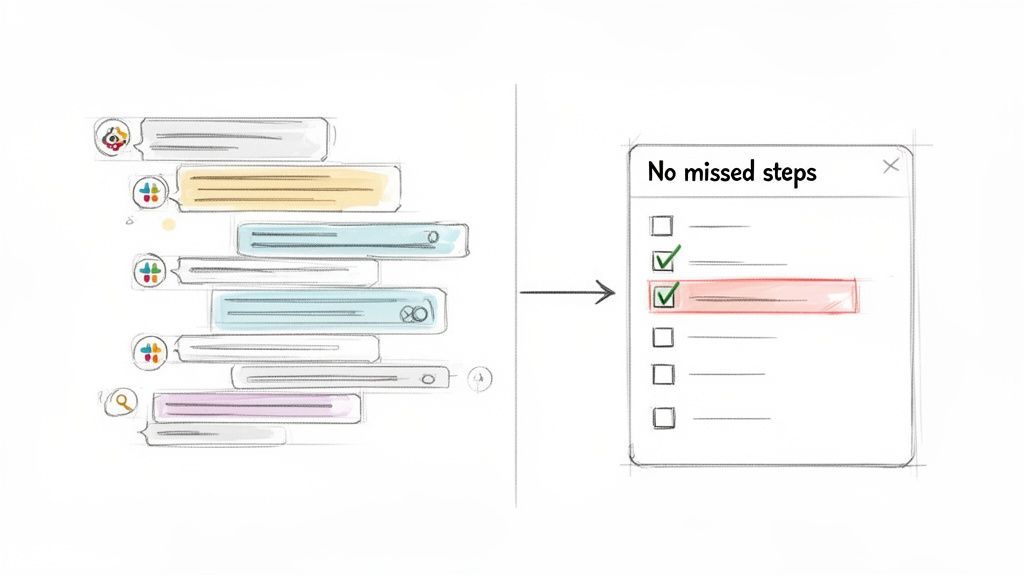
Slack is where your team communicates, but it’s a terrible place to track tasks. A critical to-do item mentioned in a busy channel can get buried under new messages in minutes. You've been there, scrolling endlessly to find who was supposed to do what.
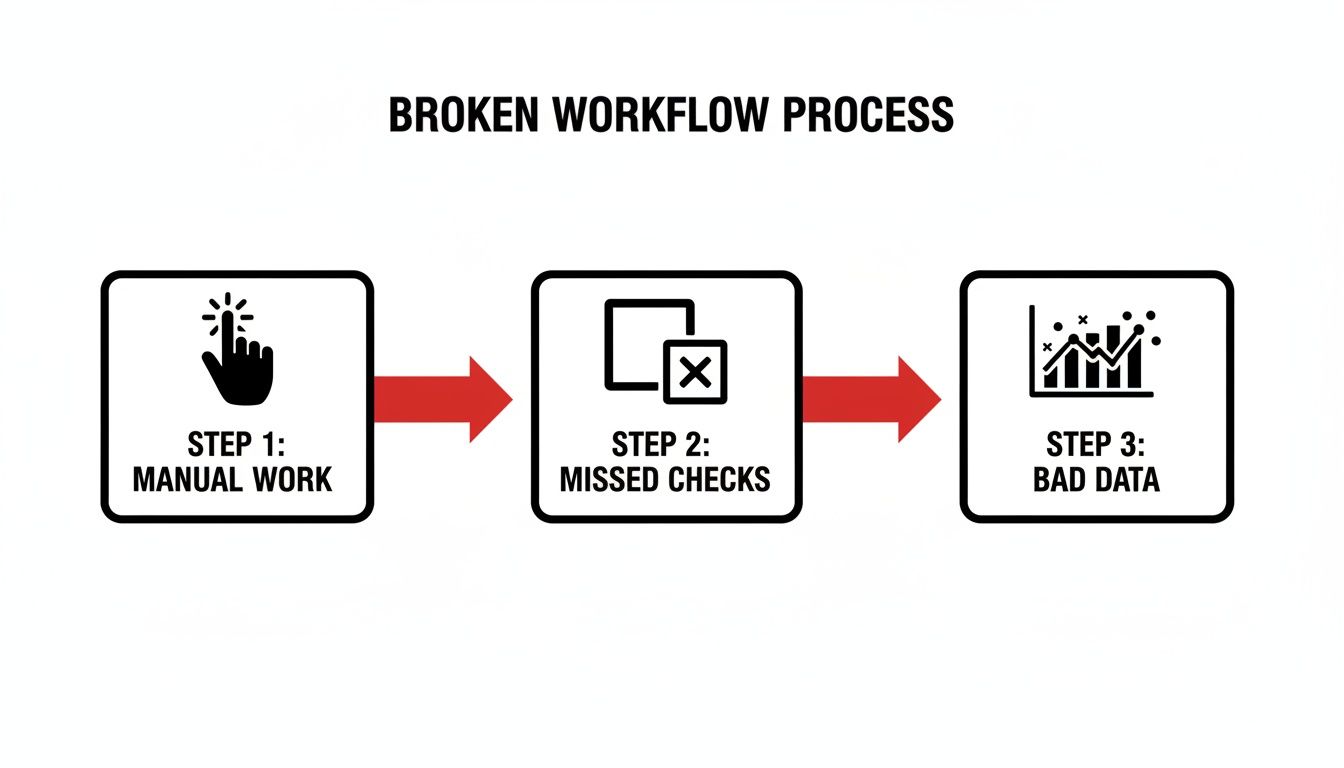
This chaos creates bottlenecks, especially during critical handoffs. Imagine a developer pushing code to QA. Without a defined process, you're stuck with manual pings, copied-and-pasted messages, and constant follow-ups just to confirm basic steps were completed. That back-and-forth eats up valuable time and introduces risk.
From Chaotic Chat to Structured Workflow
Implementing a checklist in Slack transforms your communication hub into an actionable workflow engine. Instead of relying on memory or digging through conversations, you create a clear, visible plan right where your team works.
This one change solves several common problems:
- Eliminate Guesswork: A checklist clearly defines every step and assigns an owner. There’s no confusion about who is responsible for what.
- Prevent Missed Steps: For complex processes like software deployments or new employee onboarding, a checklist acts as a safety net. It guarantees no critical step is forgotten.
- Reduce "Just Checking In" Messages: When everyone can see real-time progress on a shared checklist, the need for status updates disappears. Your team can focus on their work.
- Create a Clear Audit Trail: A completed checklist serves as a permanent record, proving that every required step in a process was completed correctly.
By structuring key processes inside Slack, you unlock true workflow automation. These checklists are the first step toward building more efficient, self-managing systems.
Actionable Insight: A good checklist doesn't just list tasks; it enforces a standard. Use it to ensure every deployment, QA handoff, and client onboarding follows the exact same high-quality process, every single time. This consistency is the foundation of scalable, reliable operations.
Ultimately, a checklist brings order to collaborative chaos. If you're just getting started, understanding What Is Slack and Why You Should Use It helps clarify its role as a central hub. From there, it's clear why integrating structured processes like checklists is the logical next step for any team serious about improving their work.
Before you search for a new app, first master the tools Slack already provides. For many simple, one-off tasks, Slack’s built-in features are surprisingly effective. They require zero setup and are perfect for informal tracking where a full project management system is overkill.
The most direct way to create a checklist in Slack is by formatting a message. This is the best method for quick, collaborative task lists that don't need to be tracked long-term.
Simply start typing a message and use Slack's formatting buttons to create a checklist. The key benefit is its simplicity and visibility—everyone in the channel sees the list and can react to items as they are completed.
The Emoji Reaction Method
Action Step: Combine a formatted message with emoji reactions to turn a static post into a dynamic to-do list. This gives everyone a clear visual cue for what’s done and what’s not.
Here’s how a content team can use this for a blog post review:
- Post a checklist in the
#content-reviewchannel with all review steps. - @mention the proofreader and the designer next to their specific tasks.
- As each person finishes their part, they react to their line item with a ✅ emoji.
This approach works because it keeps the entire process inside the conversation. No new tools, no switching tabs. The status is immediately obvious. The only downside is that these messages can get buried in an active channel, so it's best for short-term tasks.
Using Slack Reminders for Personal To-Dos
For your own tasks, use Slack's /remind command to create a personal checklist that pings you or a channel at a specific time.
For example, a developer preparing for a daily stand-up can set a personal reminder:
/remind me "1. Pull latest from main. 2. Run unit tests. 3. Update my Jira ticket." at 8:45am every weekday
Slackbot will send this list via DM every morning, ensuring nothing is missed before the meeting. It's an effective way to manage recurring personal tasks without cluttering a public channel.
Actionable Insight: The main advantage of Slack's native tools is their immediacy. You can create, assign, and track a simple checklist in seconds without leaving the chat window. Use this for the fast, fluid nature of daily work.
Basic Automation with Workflow Builder
For repeatable processes that need more structure, use Slack’s Workflow Builder. This tool lets you create simple, automated actions triggered by a user clicking a link or using an emoji reaction.
To create a basic content approval process, build a workflow that starts when a writer adds a 📝 emoji to their message containing a draft link.
- Trigger: User reacts with the 📝 emoji.
- Action 1: An automated message appears in the
#editorschannel, showing the original message and a "Begin Review" button. - Action 2: An editor clicks the button, and a checklist is automatically posted in a thread for them to follow.
This creates a consistent process that guides the next steps without manual intervention. It’s a great first step into automation, showing how a simple checklist in Slack can become the foundation of an organized system.
Leveling Up with Third-Party Checklist Apps
Native Slack tools are great for quick, informal tasks, but they have clear limitations when your processes become more complex.
For recurring workflows, tasks that need persistent tracking, or anything that requires an audit trail, you need a dedicated third-party app. These tools turn your Slack workspace from a simple communication tool into a command center for your projects.
These apps are built to solve the problems that native features can't. Messages get buried, and automated follow-ups are non-existent. A dedicated app brings structure and accountability into your channels, ensuring a critical checklist in Slack gets done, not just posted.
Choosing the Right Tool for Your Team
To pick the right tool, you need to evaluate your team's specific needs. A good starting point is to explore some of the cool Slack apps to transform your workflow. But to make a final decision, ask these questions:
- Team Size and Complexity: Does your small team have straightforward projects? A simple task manager will work. Is your large engineering department running multiple sprints? You need a robust tool with deep integrations.
- Process Repetition: Do you run the same process over and over, like new employee onboarding or weekly deployments? Choose an app that lets you create and reuse templates to save time and ensure consistency.
- Need for Automation: Do you need tasks to be automatically assigned to the next person? Do you need automatic reminders for deadlines? If so, look for apps with strong automation features.
Actionable Insight: The key advantage of a third-party app is its persistence. A simple message gets lost in a busy channel. A dedicated checklist app gives you a permanent, trackable record of work that lives alongside your team's conversations.
Comparing Slack Checklist Methods
To help you decide, here is a direct comparison of your options.
| Method | Best For | Key Features | Limitations |
|---|---|---|---|
| Native Slack Features | Quick, one-off tasks; personal to-do lists; simple reminders. | Free and built-in; easy to use for anyone in Slack. | No templates; easily lost in channels; no audit trail; limited automation. |
| Dedicated Checklist Apps | Recurring processes; cross-functional workflows; tasks needing audit trails. | Reusable templates; progress tracking; deep integrations; advanced automation. | Often requires a paid subscription; can have a learning curve. |
Ultimately, adopting a third-party app is about overcoming the limitations of Slack's native tools. When you need a persistent, automated, and auditable checklist in Slack, a dedicated app is essential for maintaining momentum and quality as your team grows.
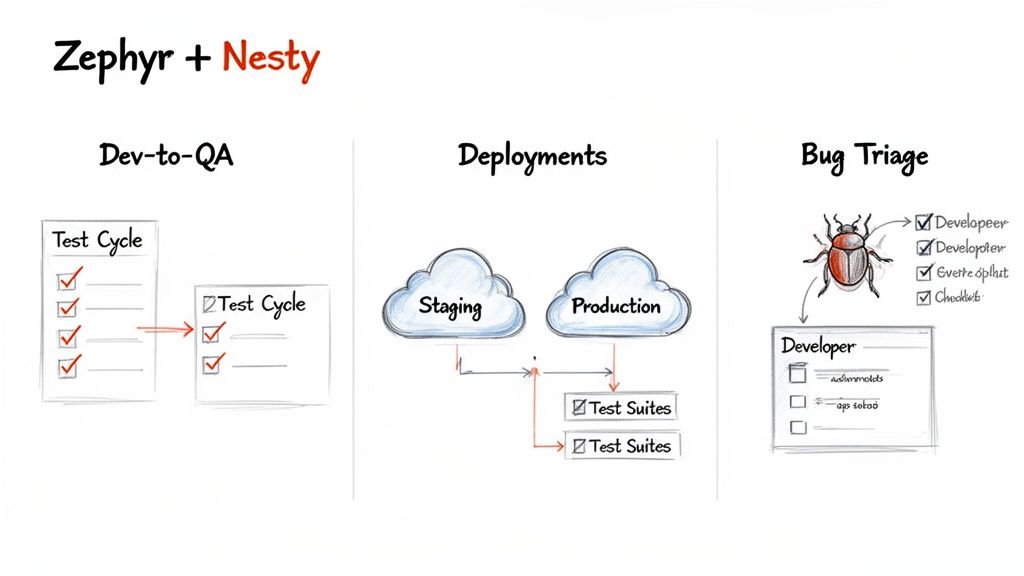
For engineering and DevOps teams, the best results come when your Slack checklists are perfectly synced with Jira, your single source of truth. This is where generic apps fall short and specialized tools like Nesty excel. They are designed to bridge the gap between fast-paced Slack conversations and the structured, auditable processes you manage in Jira.
The goal is to eliminate context switching. No one wants to finish a task and then remember to jump over to Jira to update the ticket. The two systems should function as one, creating a seamless flow where progress is instantly visible everywhere it matters.
A Practical Example: The Dev-to-QA Handoff
Here is a step-by-step walkthrough of a high-stakes scenario where this integration is critical: the handoff from a developer to the QA team. First, install the Nesty app in both Jira and Slack to link the two platforms.
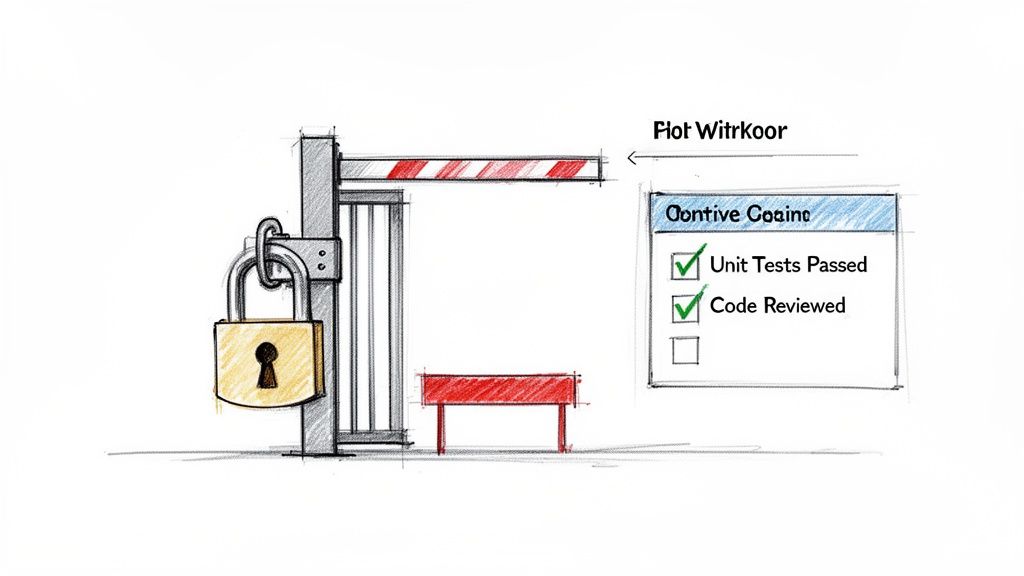
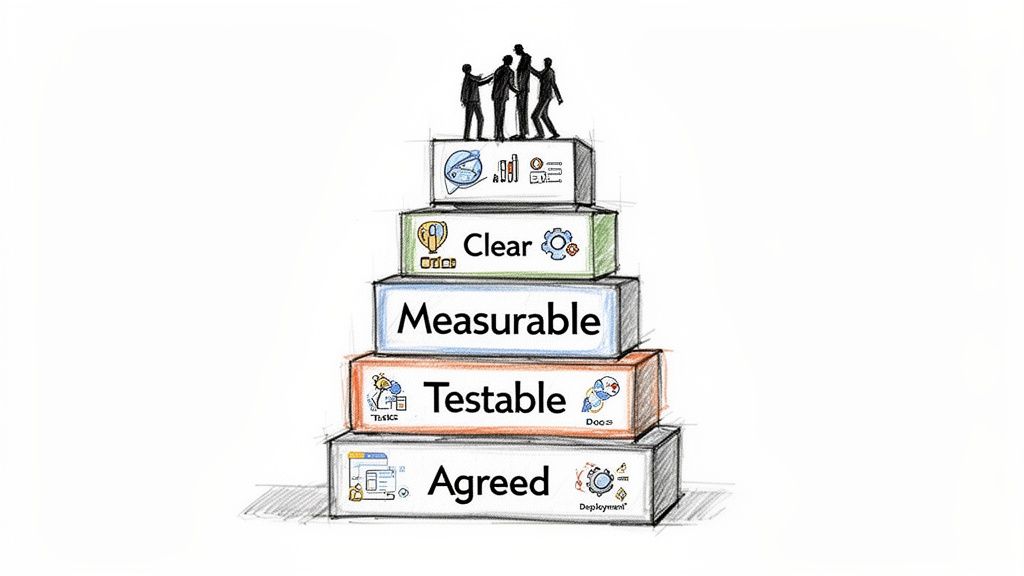
Next, build your automated workflow. A powerful starting point is to set up a "Definition of Done" (DoD) checklist in Jira. This isn't just a list; it becomes a mandatory gate that a ticket must pass before it can be moved to the QA column.
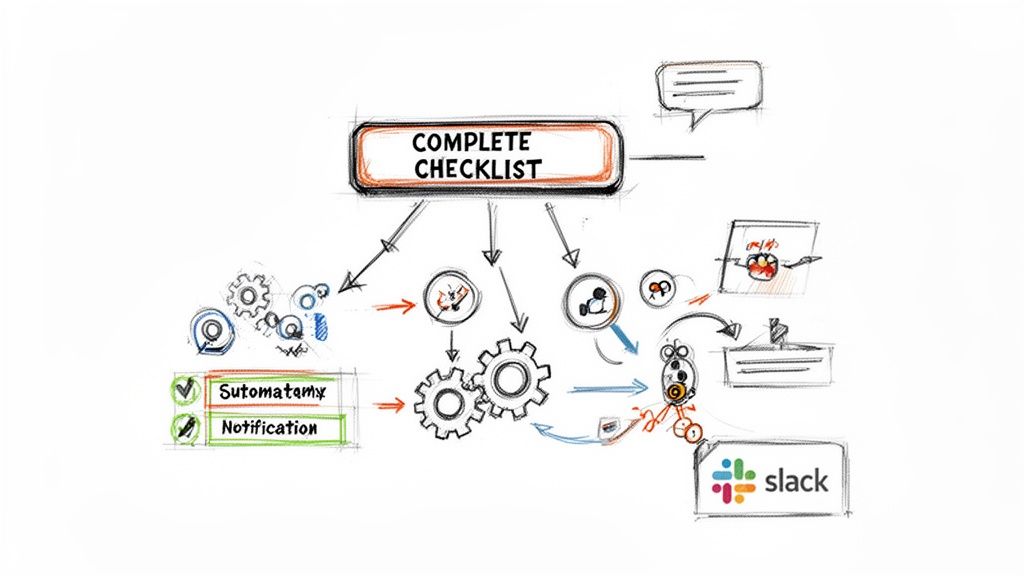
This diagram shows how teams evolve from basic Slack features toward more powerful, integrated solutions.
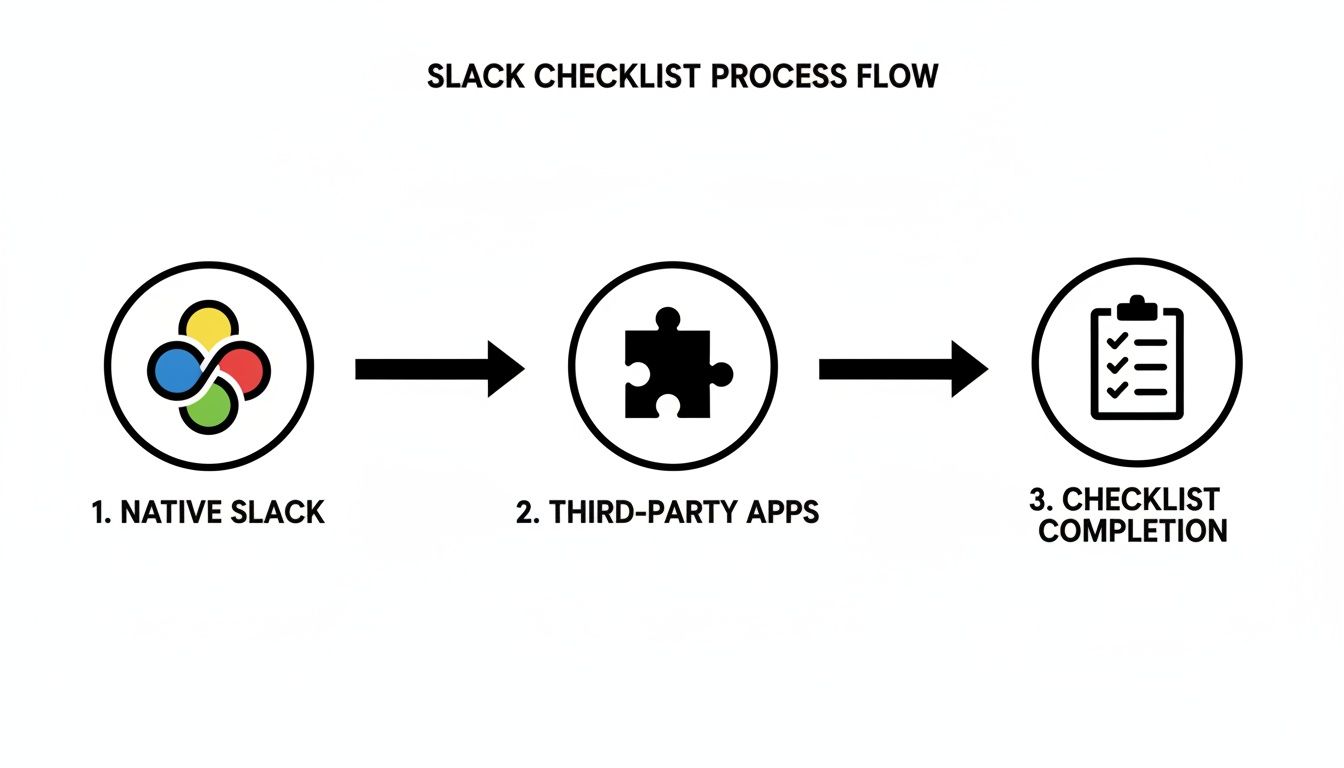
As you can see, the path is about maturing from simple message-based lists to fully automated workflows that connect your tools for maximum efficiency.
Here’s how to execute the Dev-to-QA handoff:
- Trigger the Checklist in Jira: A developer drags a ticket to the "Ready for QA" status. This action automatically adds your pre-built DoD checklist to the Jira issue via Nesty.
- Notify the QA Team in Slack: Simultaneously, a message appears in the
#qa-teamSlack channel. It links directly to the Jira ticket and displays the new checklist. - Keep Everything in Sync: As the developer checks off items in Jira—like "Unit tests passed"—the corresponding item in the Slack message is instantly checked off. No manual updates are needed.
- Automate the Handoff: Once the final item on the DoD checklist is complete, the automation takes over. The Jira ticket can be automatically reassigned to the QA lead, and a final "Ready for testing!" notification is posted in Slack.
This creates a transparent validation gate. The QA team doesn't have to ask if the prerequisites are done. They see the completed checklist in Slack and know the ticket is ready for them.
To get deeper into building these structured lists inside Jira, refer to our full guide on how to create a checklist in Jira.
Why Is This Integrated Approach So Powerful?
This tight integration tackles the "coordination overhead" that slows down even the best teams. By 2019, Slack already had over 12 million daily active users, a number projected to hit 79 million monthly users by 2026. At that scale, even small inefficiencies become major problems.
According to recent Slack usage statistics, teams that embed Slack into their core workflows send 32% fewer emails and get products to market 23% faster. But without structure, speed can lead to chaos. For any team that relies on Jira, pulling checklists into both platforms aligns fast-moving conversations with your source of truth, reducing context switching and ensuring every step is accounted for and auditable.
Actionable Insight: Integrating Jira checklists directly into Slack transforms a manual handoff into a self-managing workflow. It's not just about saving time; it's about building quality and predictability into your development lifecycle from the ground up.
When you connect Jira and Slack this way, you’re not just making another checklist in Slack. You are building an intelligent system that enforces your team's standards, automates repetitive tasks, and gives everyone clear visibility inside the tools they already use all day.
Best Practices for Slack Checklist Automation
Having the right tool is not enough; you must design an effective process. The goal is to build a system that runs itself, keeping everyone aligned without constant manual follow-up.
Start by designing useful checklists. A 50-item checklist for a minor bug fix will be ignored. Focus on critical validation gates. Identify the absolute must-have steps that prevent larger problems later.
Enforce Your Standards Automatically
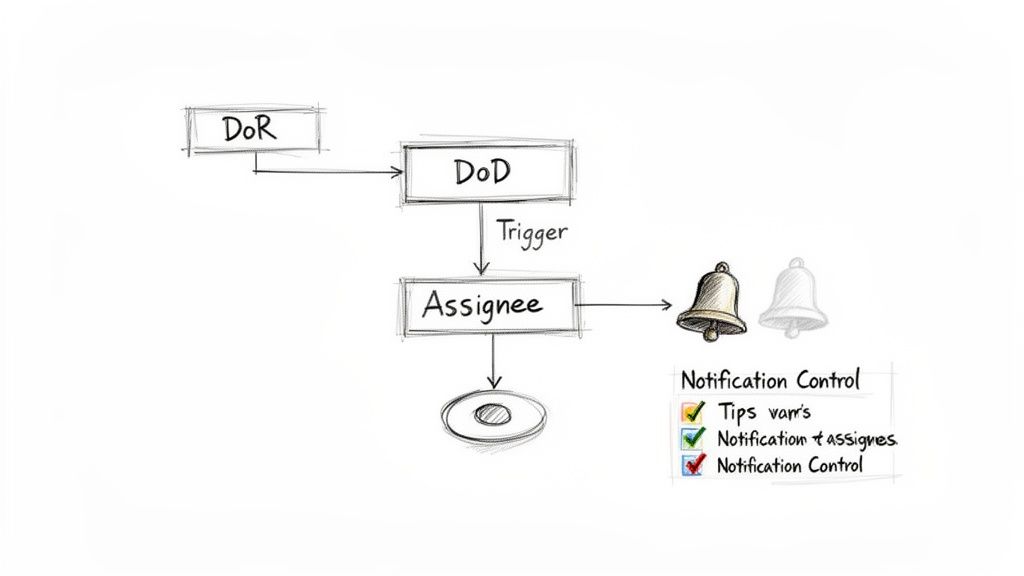
Here is where you will see the biggest impact. Programmatically enforce your Definition of Ready (DoR) and Definition of Done (DoD). These should not be suggestions on a wiki page; they must be non-negotiable quality gates built directly into your workflow.
How to implement this: Use an integrated tool like Nesty to set up automation rules that physically block a Jira ticket from moving to the next stage until its associated checklist is complete. For example, make a ticket unable to move to "In Progress" until the DoR checklist is signed off. This one change eliminates a massive amount of back-and-forth communication.
Actionable Insight: A well-automated checklist acts as your process guardian. It doesn’t just remind people of the rules; it enforces them every time, ensuring every handoff meets the same high standard without requiring manual oversight.
This is how you eliminate low-value, repetitive work. Slack’s own research found that even though its platform makes users 47% more productive, desk workers still spend about 41% of their time on low-impact tasks. Automating a checklist in Slack that’s connected to your Jira workflow—like enforcing a DoD—is a direct way to reclaim that wasted time by reducing manual status checks and clarification messages.
Use Smart Triggers for Seamless Handoffs
Automation is most powerful during handoffs between teams. The moment the final item on a "Dev Done" checklist is completed, a chain reaction should occur automatically.
Use these smart triggers to make handoffs seamless:
- Automated Assignee Changes: When the DoD is met, instantly reassign the Jira ticket to the QA lead or the next person in line.
- Targeted Notifications: Post a message in the
#qa-teamchannel that clearly states the ticket is ready and includes a link to the completed checklist. - Contextual Information: Configure the automated message to pull key details from Jira, giving the QA team the context they need without leaving Slack.
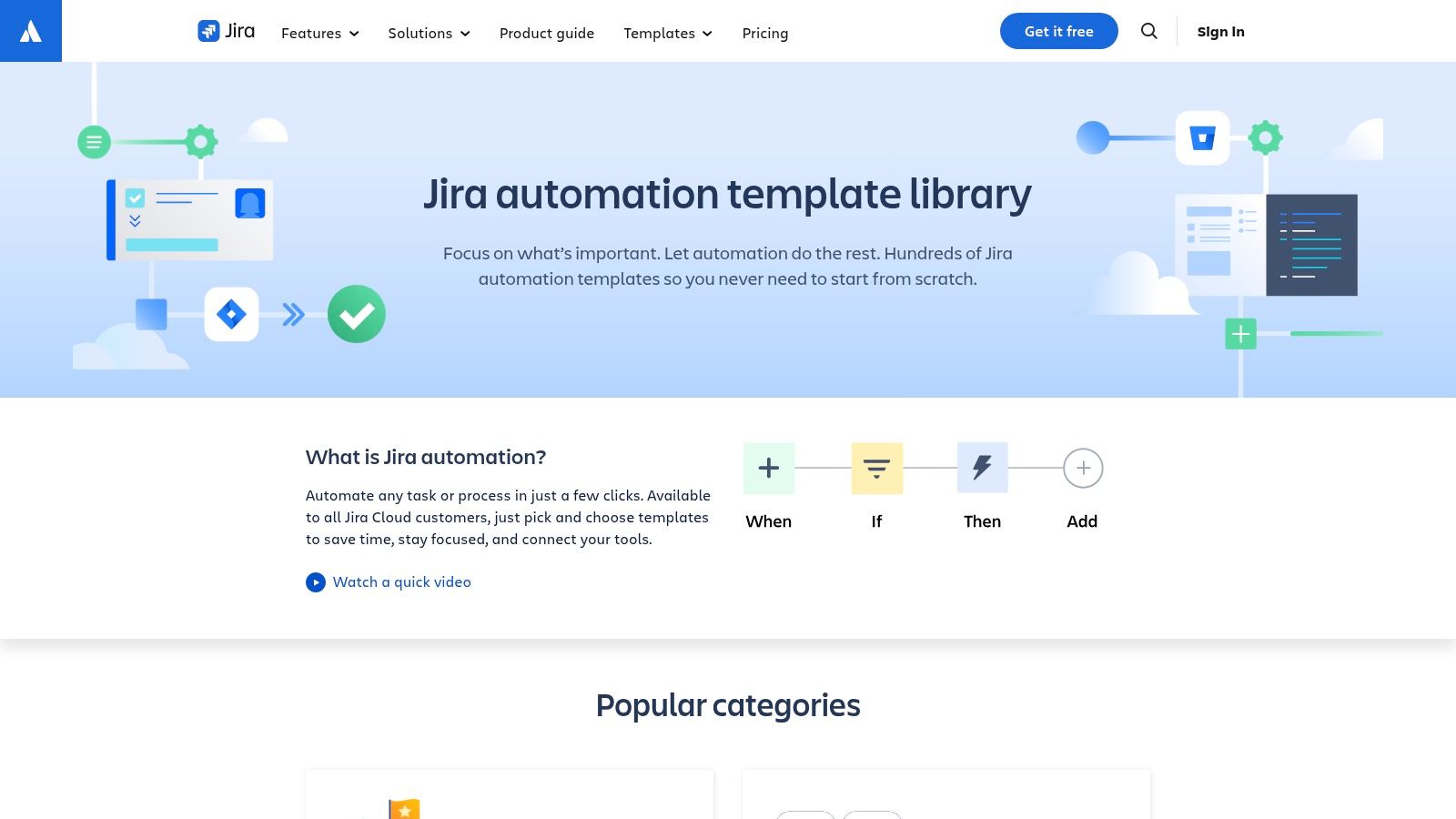
Building these automated handoffs creates a workflow that flows without friction. To learn more, explore the possibilities of Jira workflow automation.
Avoid Notification Fatigue
A common pitfall is creating a system that is too noisy. If every checklist item triggers a channel-wide notification, people will start to ignore them. You must be strategic with your alerts.
Action Step: Reserve channel-wide notifications for major events—a completed DoD, a deployment going live, or a critical blocker. For individual task assignments or reminders, use direct messages. This keeps your main channels clean and focused on high-signal information that the entire team needs to see.
Got Questions About Slack Checklists? We've Got Answers.
When teams start implementing structured processes in Slack, a few key questions always come up. Answering these common challenges is key to choosing an approach that will be adopted successfully.
Here are the most frequent questions and their solutions.
Can I Make a Checklist That Repeats Automatically?
This is the most common requirement. For a weekly deployment or monthly report, you want a checklist to appear on schedule without manual effort.
You can use Slack's native /remind command to post a list on a schedule, but it's not a true solution. It's just text. You get no templates, no progress tracking, and you have to manually assign tasks each time. It creates more work than it saves.
Solution: For any recurring process like a monthly release cycle or sprint planning, use a dedicated tool. A third-party checklist app or a deep Jira integration like Nesty is designed for this. You can create a detailed template once and then trigger it automatically on a schedule, ensuring consistency every time.
How Do I Make Sure People See Their Assigned Tasks?
"I assigned it, but they never saw it" is a common complaint. When you just edit a Slack message to @mention someone, it's easy for that assignment to get lost in a busy channel.
A purpose-built checklist tool solves this problem directly.
Solution: Most third-party apps and advanced integrations like Nesty don't leave this to chance. When a task is assigned, the app automatically sends a direct notification to that specific person. This proactive "tap on the shoulder" ensures they see their new task immediately, which is critical for preventing dropped batons in a fast-paced workflow.
What’s the Best Way to Keep a Record for Audits?
Finally, how do you maintain a reliable record for compliance, security reviews, or process improvement?
Trying to track who checked what and when in a Slack channel is impossible for anything requiring an audit trail, such as release deployments or DoD verification. Messages get lost, and there is no permanent, unchangeable log.
Solution: The only reliable method is to use an integration that syncs to a system of record like Jira. Tools like Nesty are designed so that every completed checklist item in Slack is logged permanently in the connected Jira issue. This creates a concrete, unchangeable history of who did what and when. It’s the bulletproof audit trail you need for any serious review process.
Ready to stop chasing down updates and build automated, auditable workflows between Jira and Slack? With Harmonize Pro's Nesty app, you can enforce your Definition of Done, automate handoffs, and create self-managing processes that give you back your time. Learn more and get started with Nesty.